

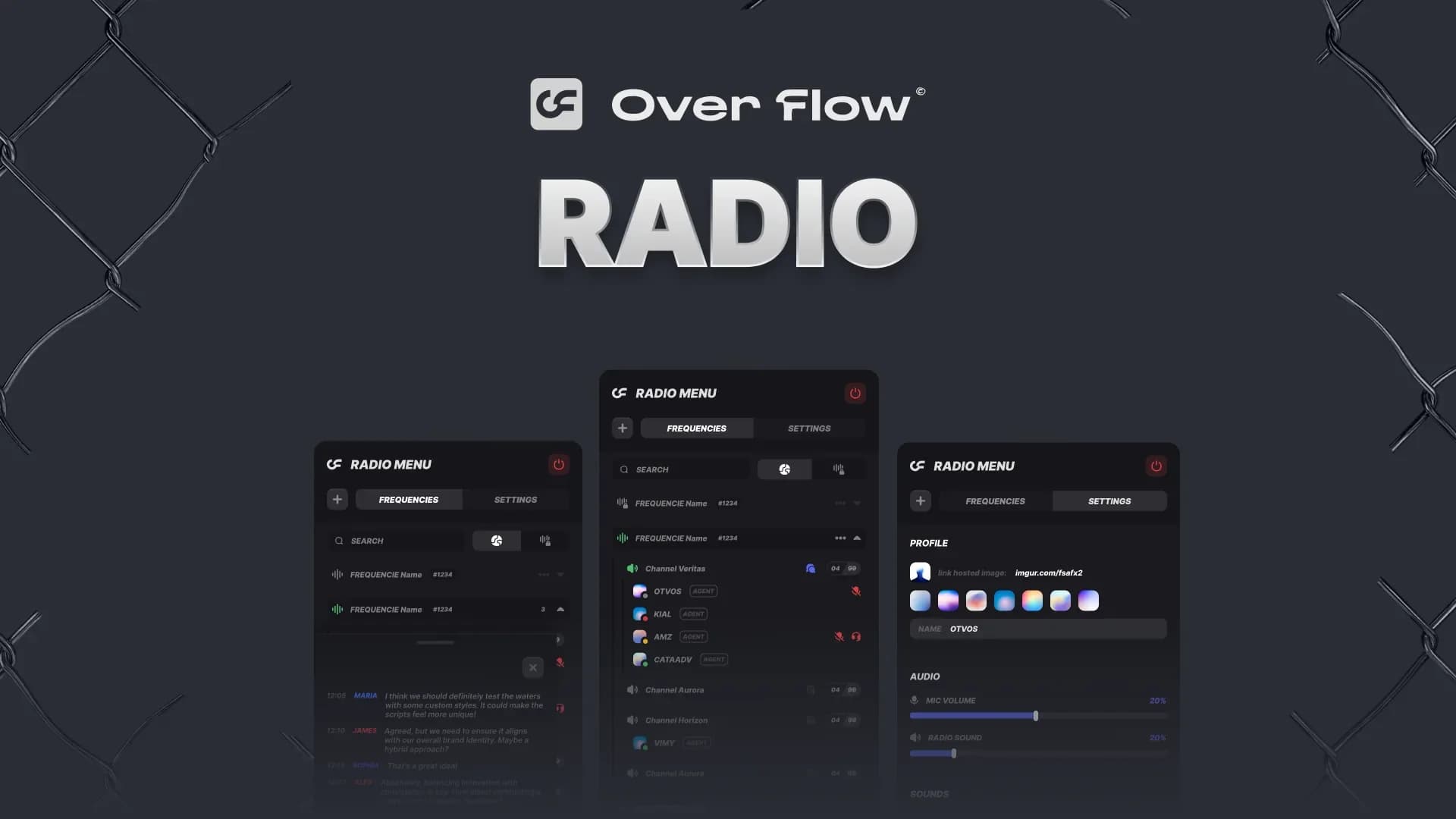
Proximity voice tells your players who is standing next to them. A fivem radio script tells them who is on the other side of the map. This one runs on top of pma-voice: every job gets its own frequencies, players can spin up private ones and share a code, and anyone with the right prop can black out the airwaves entirely.
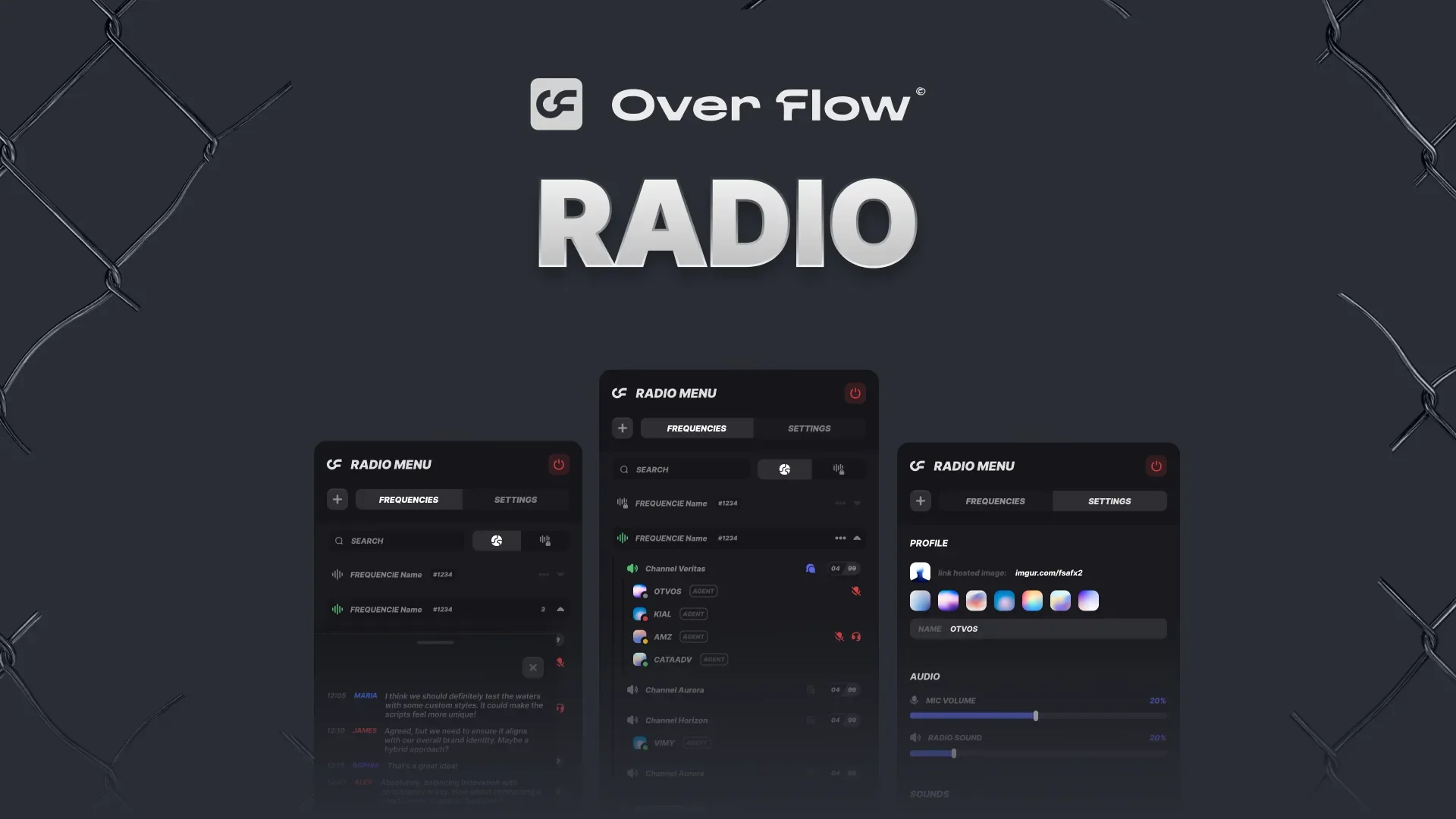
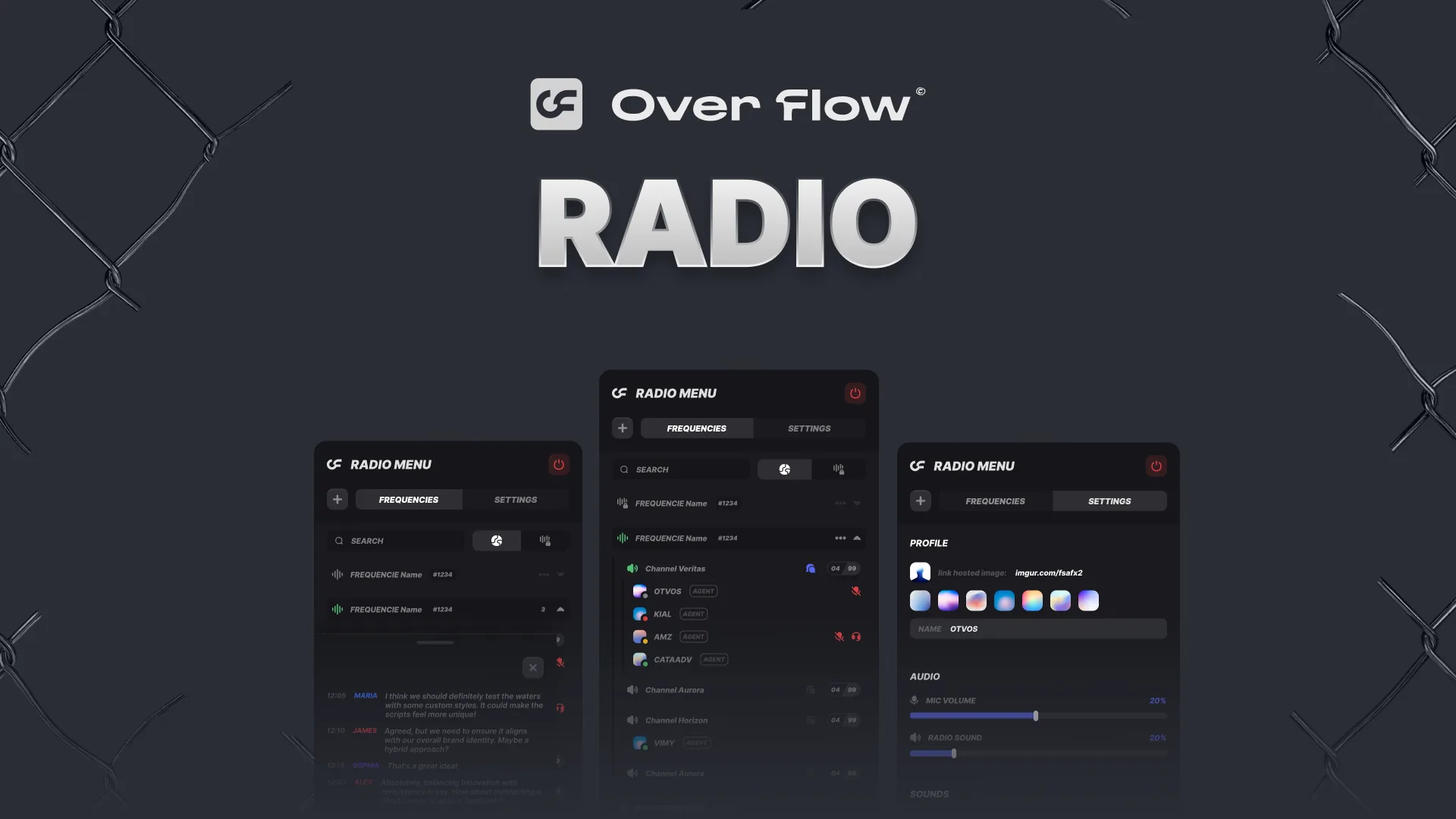
Radio
Job frequencies, player-owned private channels, in-radio chat and a placeable signal jammer, all on pma-voice.
See the RadioWhy Your Server Needs a Radio Script
Without one, every coordinated moment on your server happens out of character. Police call a pursuit in Discord. A crew plans a robbery in a party chat. The roleplay stops at the edge of proximity voice.
- Officers cannot reach a unit two blocks away
- EMS has no way to be dispatched to a scene
- Criminal crews fall back to third party voice apps
- Nothing that happens over the air can ever be intercepted
A radio moves all of that back into the game, where it can be overheard, jammed, or lost at the worst possible moment.
Key Features
Job Channels and Permissions
Frequencies are tied to jobs. An officer who goes on duty finds the police frequency already there, with dispatch, patrol channels, tactical and air support laid out underneath it. EMS gets its own set. Nobody joins a channel they should not be on.
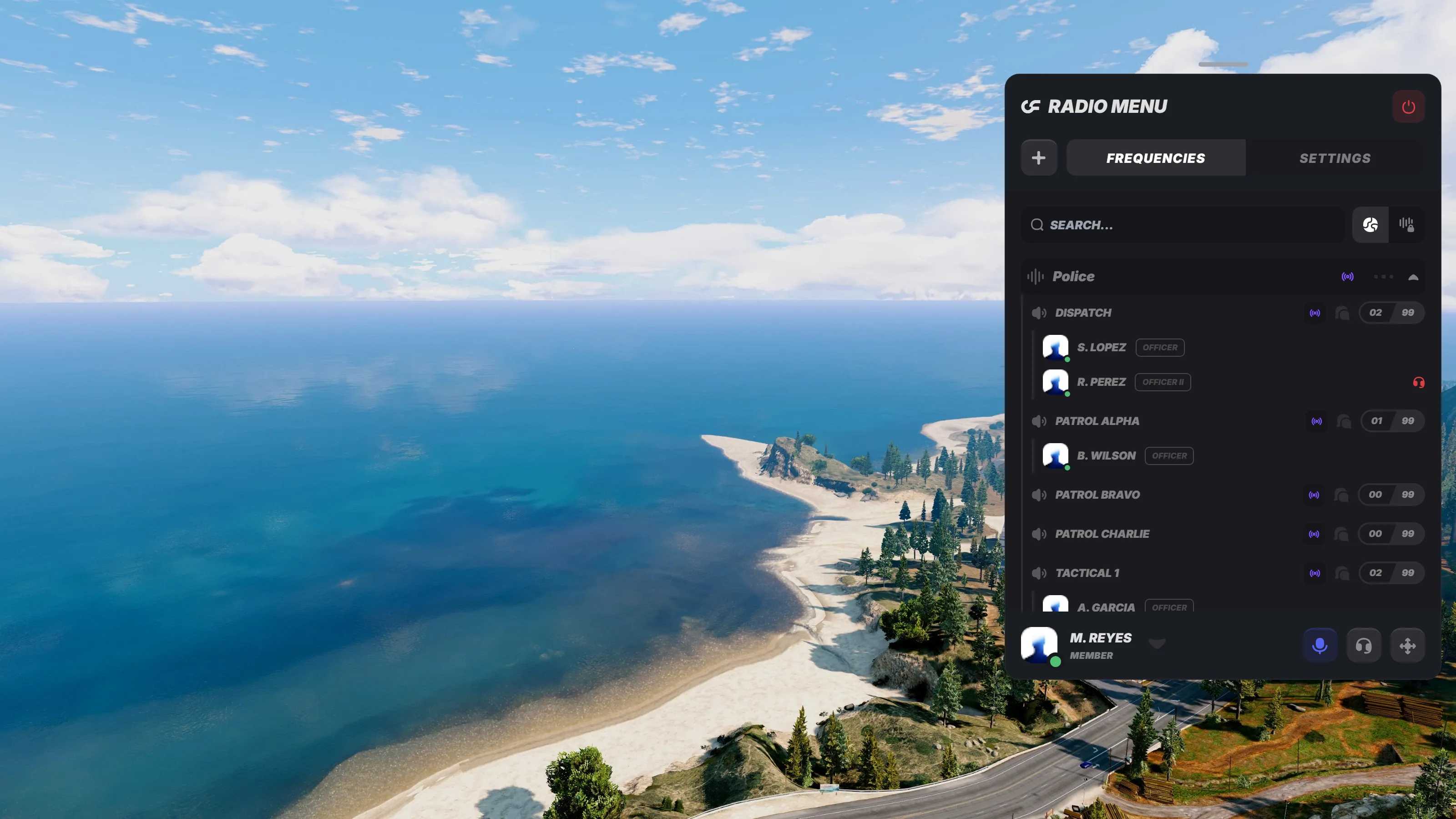
- Grade gated actions. Only ranks you choose can drag members between channels
- Callsign prefixes. Per frequency lists such as AIR, K-9 or SWAT, picked by the player
- Per channel limits. Cap how many voices a single channel can hold
- Hold to broadcast. Talk into another channel you have access to without leaving your own
Private Frequencies
Anyone can create a frequency of their own and hand out the join code. That is where the criminal side of a server lives: a code passed between four people, a channel nobody else can find, and a frequency that quietly deletes itself after enough days of silence.
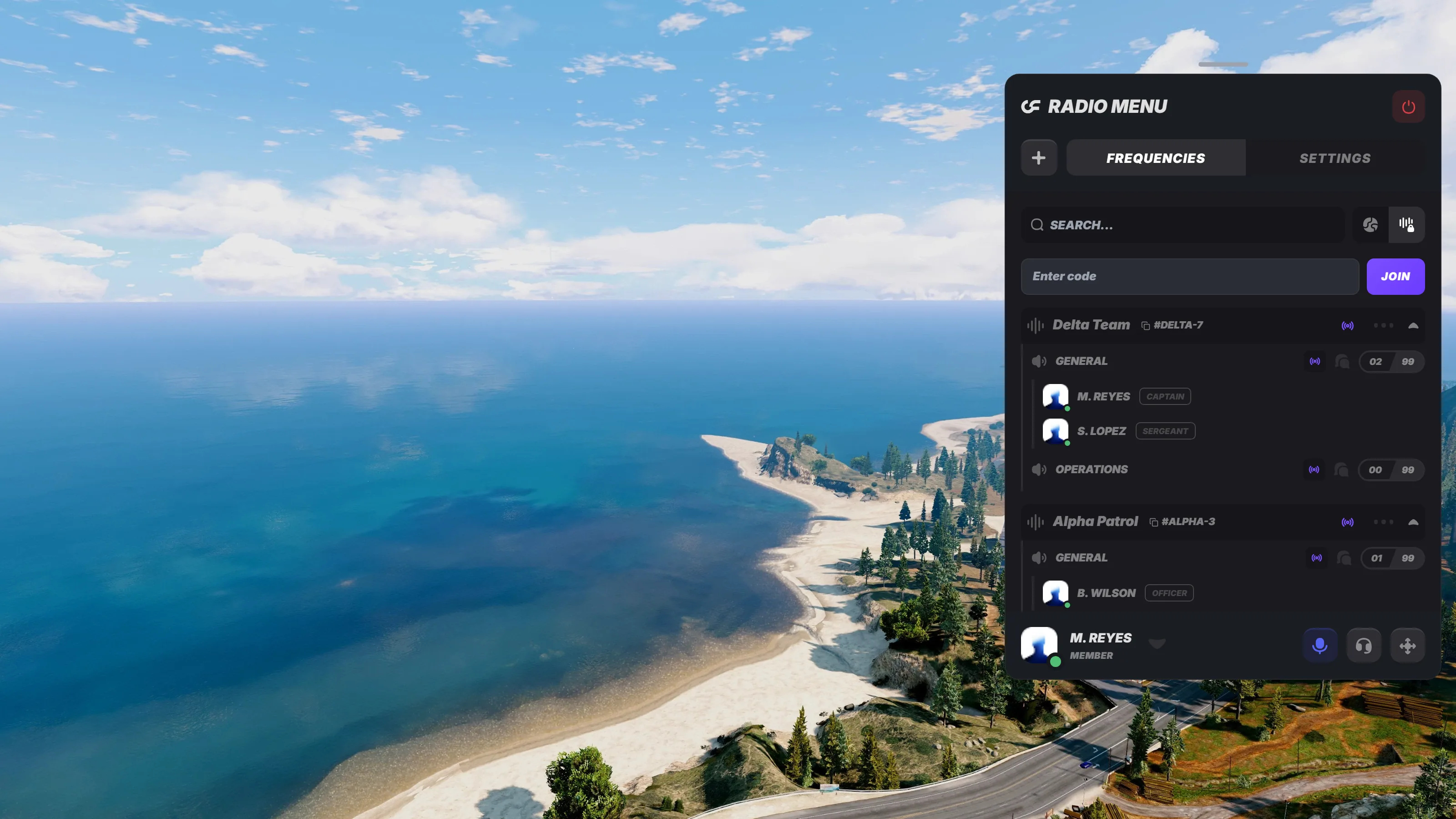
You decide how far it goes. Every player gets a baseline allowance of frequencies, channels and members, and you can grant higher tiers to whichever ranks or donators you want.
Signal Jammers
This is the part players remember. A jammer is a prop somebody places, arms through a terminal, and walks away from. Everyone inside its radius loses radio coverage until it runs out of time or somebody finds it and shoots it.
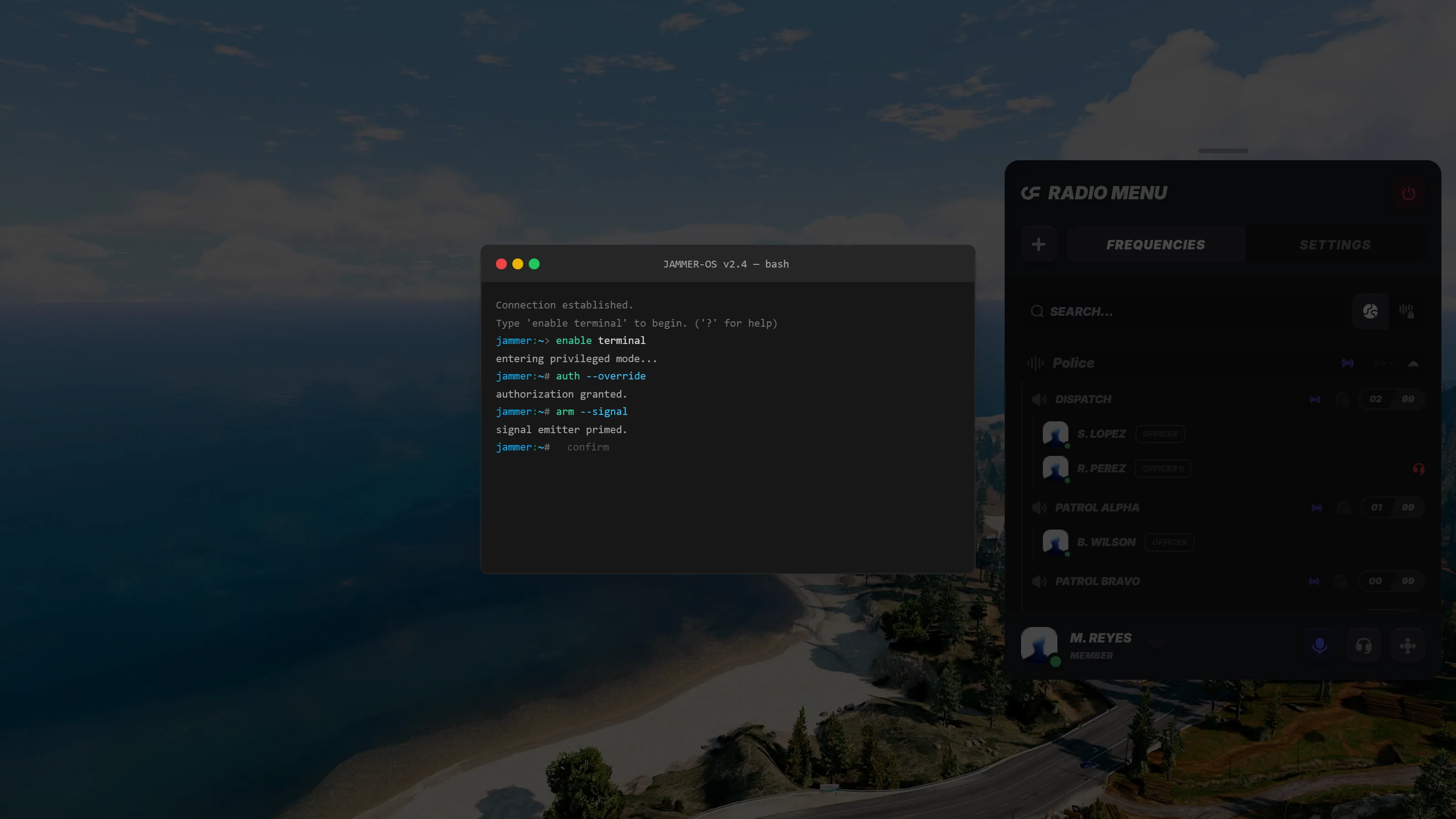
- Two variants out of the box. A portable jammer and a larger military one
- Tunable radius. Each variant has a default, a minimum and a maximum
- Destructible. Prop health decides how long it survives once it is found
- Your own types. Add variants and map them to inventory items
Customization
Almost everything a player touches is theirs to set, and almost everything a server owner cares about sits in the config. Keybinds for talk, mute, deafen, broadcast and disconnect are separate. The panel itself can be dragged and resized.
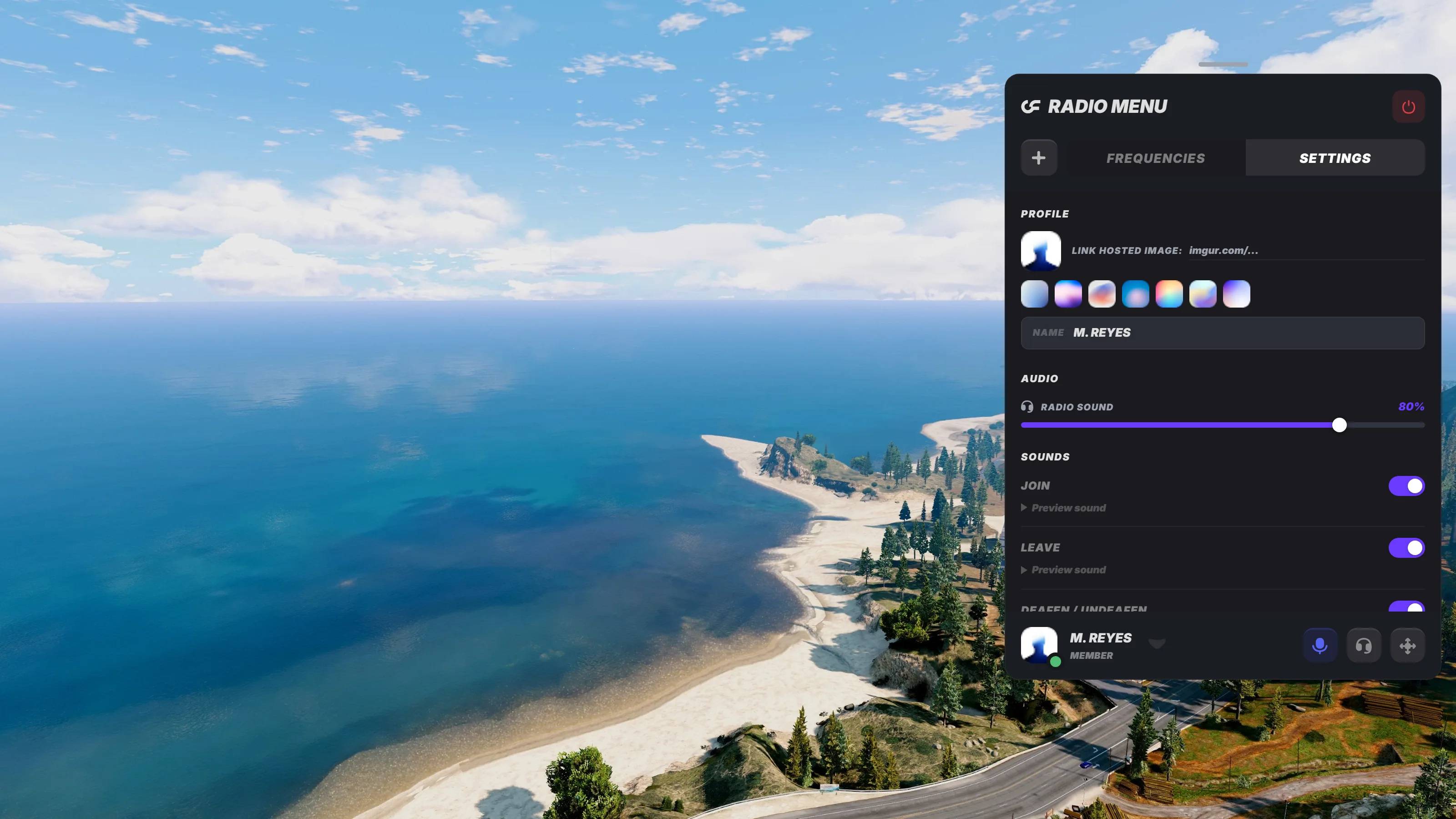
- Profiles. Nickname, avatar, callsign and status, including an anonymous mode
- Per event sounds. Join, leave, mute and deafen cues, each one toggleable
- Stream mode. Hides player names in the overlay for anyone recording
- Restricted zones. Areas you define where the radio simply has no coverage
Installation Guide
There is no SQL to import. The tables the radio needs are created on the first start.
- Have the dependencies running: your framework, ox_lib, oxmysql and pma-voice
- Drop the resource into your resources folder
- Apply the small pma-voice patch from the documentation, which exposes the exports the radio talks to
- Ensure it last, after everything above
- Press F2 in game, or run the radio command
Full notes, including the exact patch and every config value, live in the documentation.
Compatibility with QBCore, ESX & Qbox
The radio reads jobs and grades straight from your framework, so a qbcore radio script and an esx radio script are the same download here. Detection is automatic and can be overridden if you run something unusual.
- QBCore, ESX and Qbox roleplay servers
- ox_inventory for the radio item and the usable jammer items, both optional
- pma-voice 7.0.1 or newer as the voice backend
- Dialogs through ox_lib, the radio's own built in windows, or the Overflow UI Kit if you run it
Screenshots
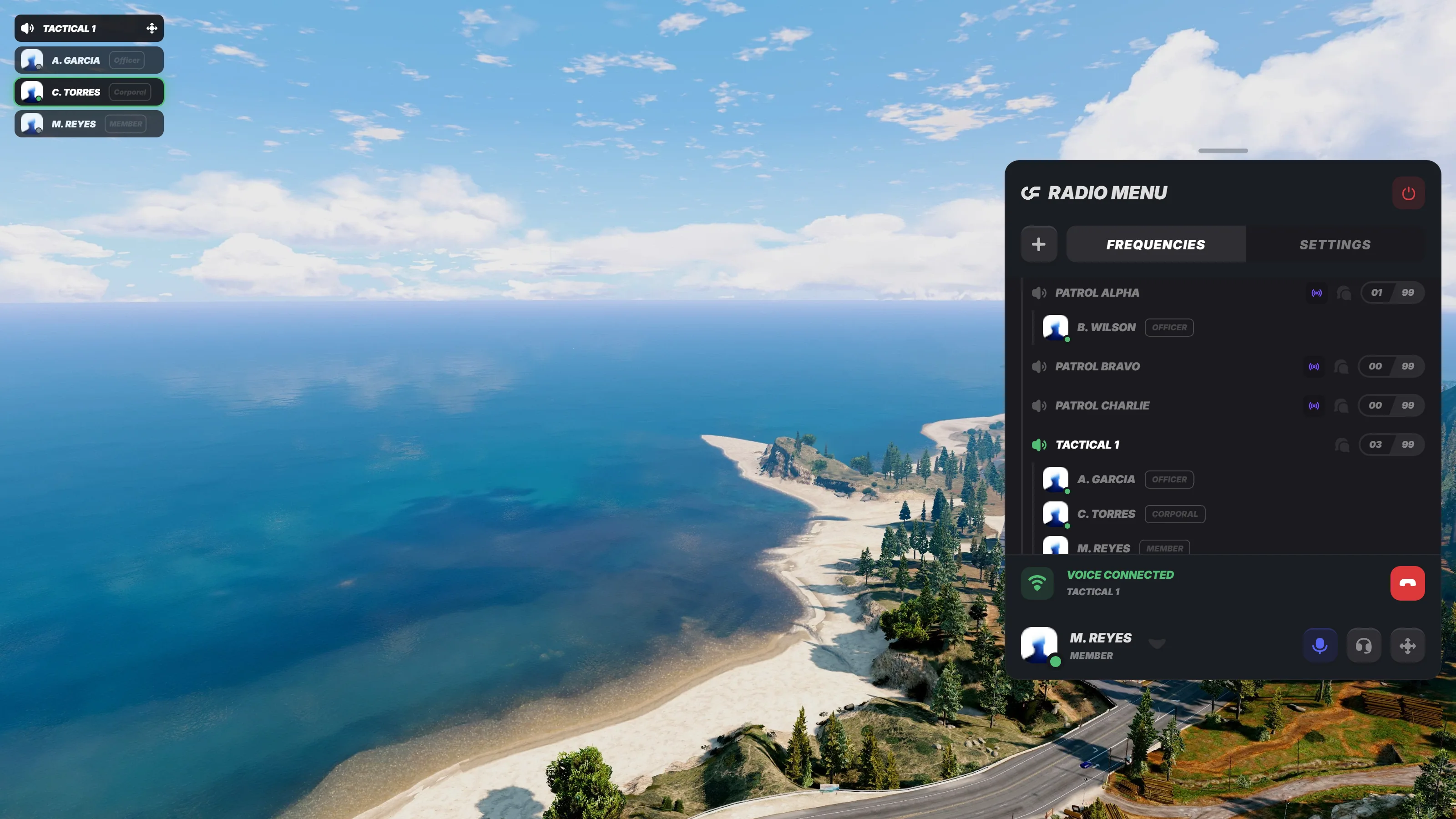
Connected to a channel, with the panel open and the overlay already tracking who is speaking.
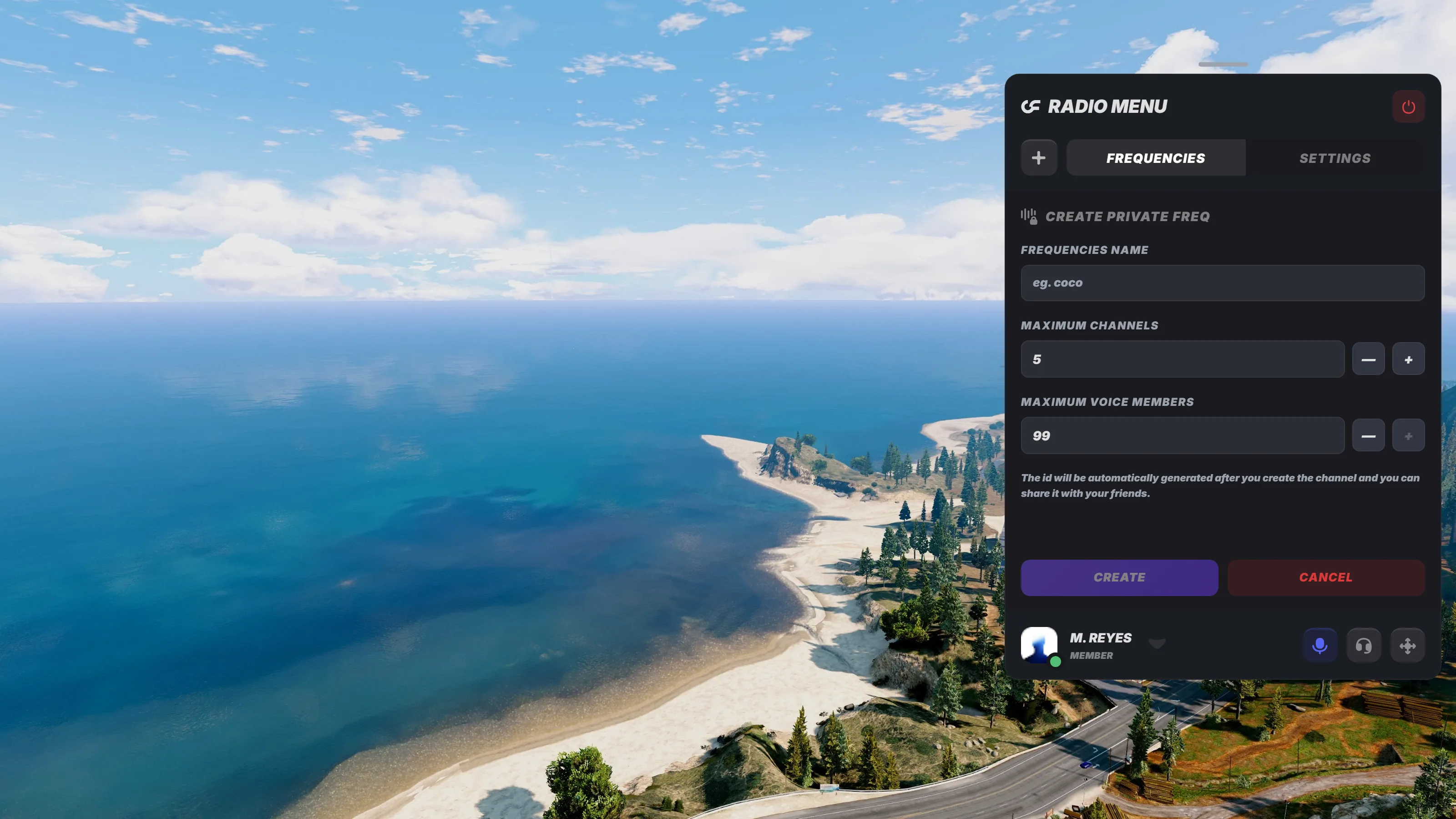
Creating a private frequency, with the limits your config allows already filled in.
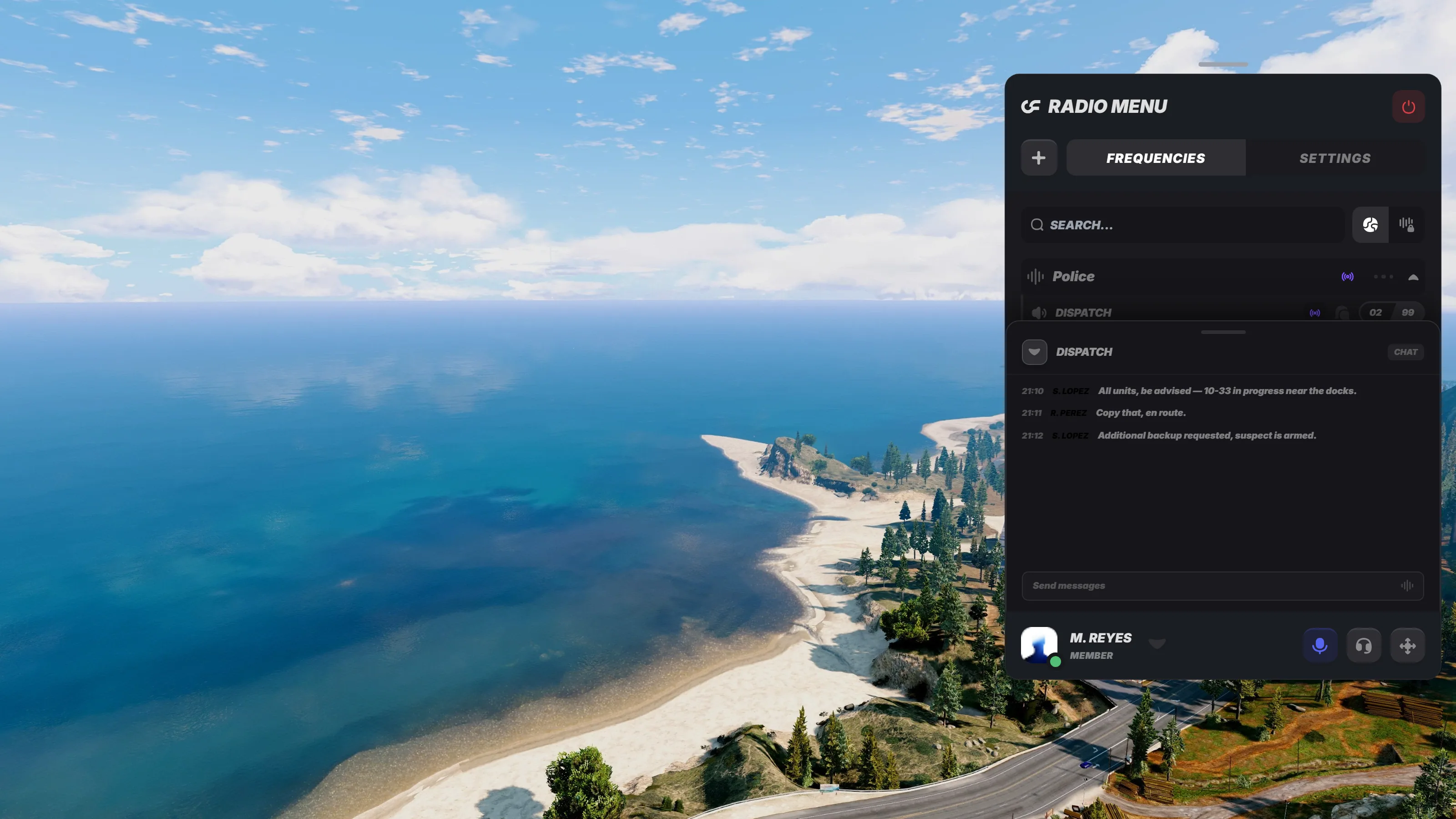
Channel chat, a text log that sits alongside the voice channel for anything that needs writing down.
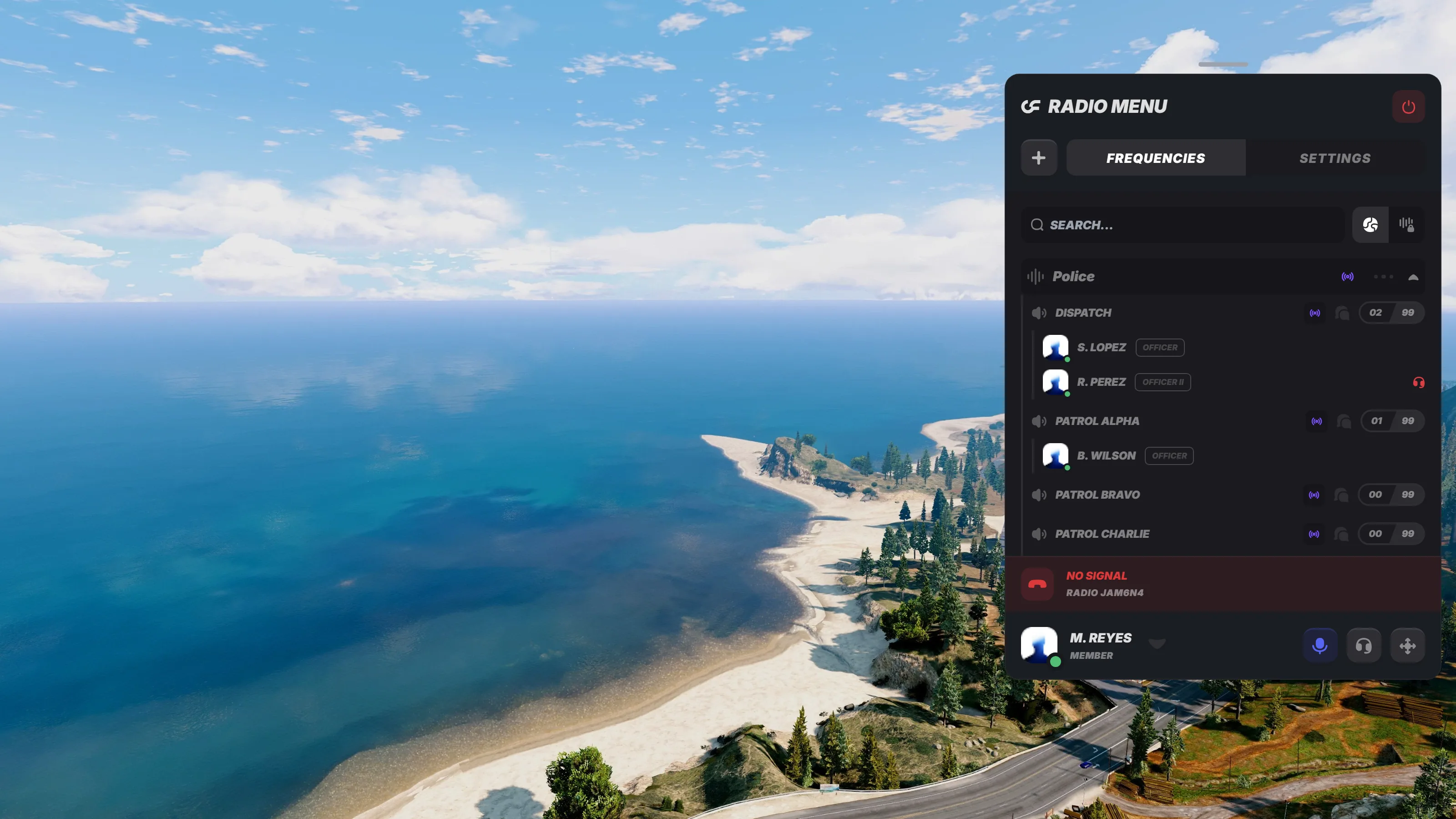
The channel overlay, a small HUD that stays on screen once the panel is closed so players can see who is talking.

No signal, what a jammed radio looks like from the inside.
Frequently Asked Questions
Get the Package
A fivem radio system is not a feature players notice on their first night. It is the thing that makes the second week feel like a world instead of a map, because suddenly there are channels to be trusted with, codes to be given, and conversations somebody else can hear.
The Overflow fivem radio script ships with job frequencies, private frequencies, in-radio chat and the fivem radio jammer, ready for QBCore, ESX and Qbox.
Radio
Overflow Radio – Premium FiveM Radio System for ESX, QBCore & QboxTransform your FiveM server with our premium radio system. Built for performance and packed with features, this script delivers an unparalleled communication experience for your players.Whether you're running an ESX, QBCore, or Qbox server, our radio system integrates seamlessly with your existing setup. Advanced customization options let you tailor every frequency, channel, and permission to match your server's unique style.Join thousands of satisfied server owners who have upgraded their communication system. With regular updates, dedicated support, and comprehensive documentation, you'll have everything you need to get started in minutes.
Get the Radio ScriptWant to see what pairs with it? Browse the full script catalog, read the documentation, or match the rest of your interface with the Ox Lib Redesign.
Read more
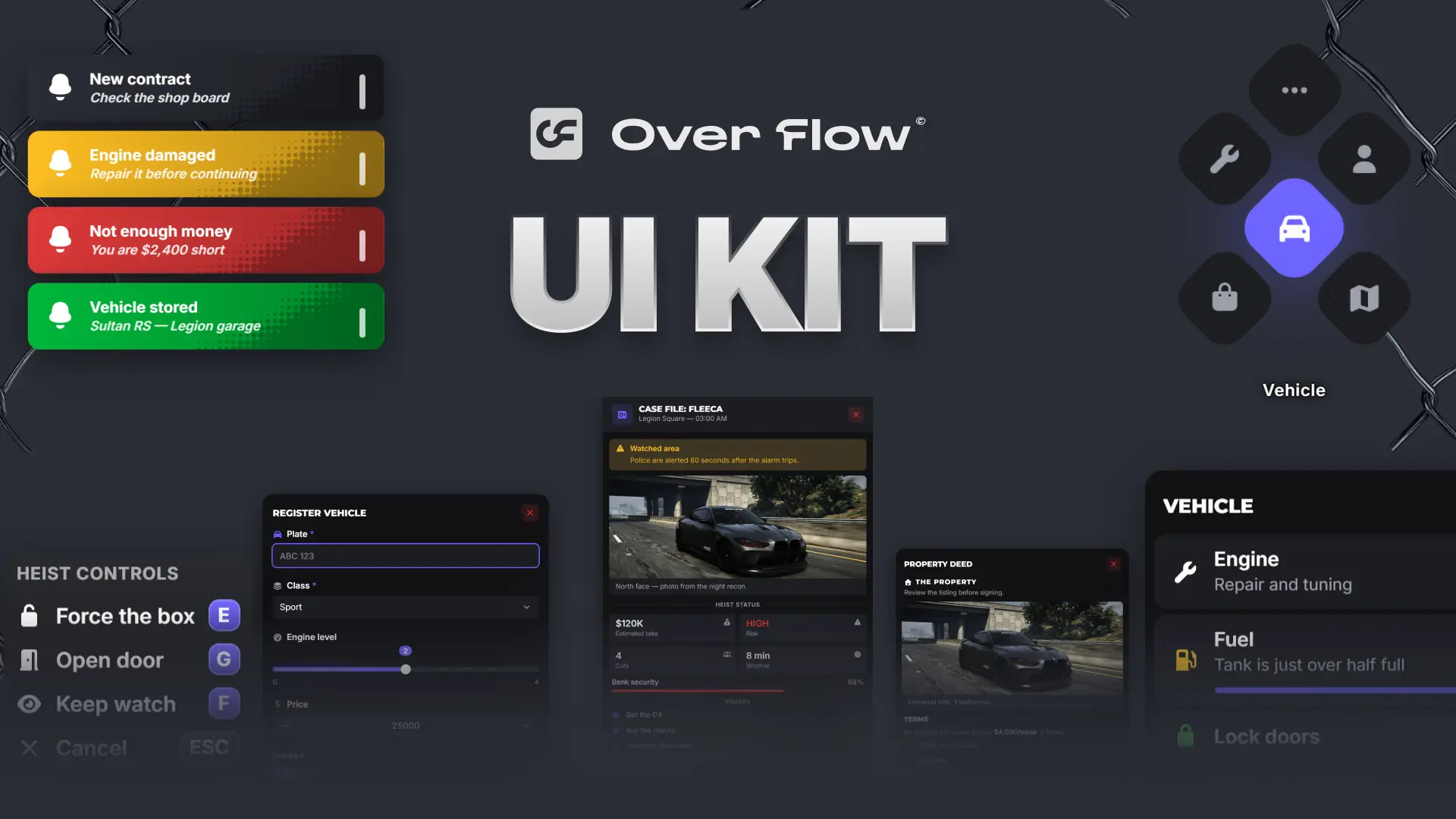
Ox Lib Redesign - Modern FiveM UI for QBCore & ESX
Discover a modern Ox Lib redesign for FiveM with an improved UI, better UX, and seamless integration for QBCore and ESX servers.
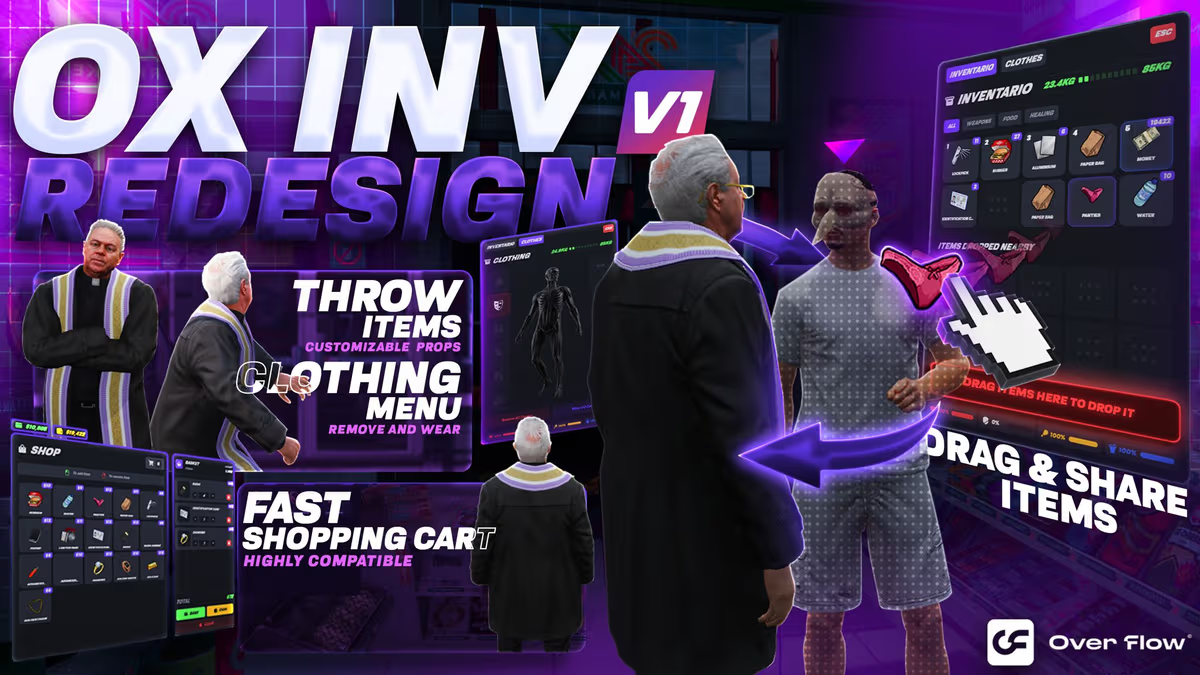
Ox Inventory Redesign: The Best Custom UI for FiveM Roleplay
Why the Ox Inventory Redesign by Overflow5m is changing the meta — integrated clothing, physics-based throwing, item rarity tiers and a built-in image creator.