

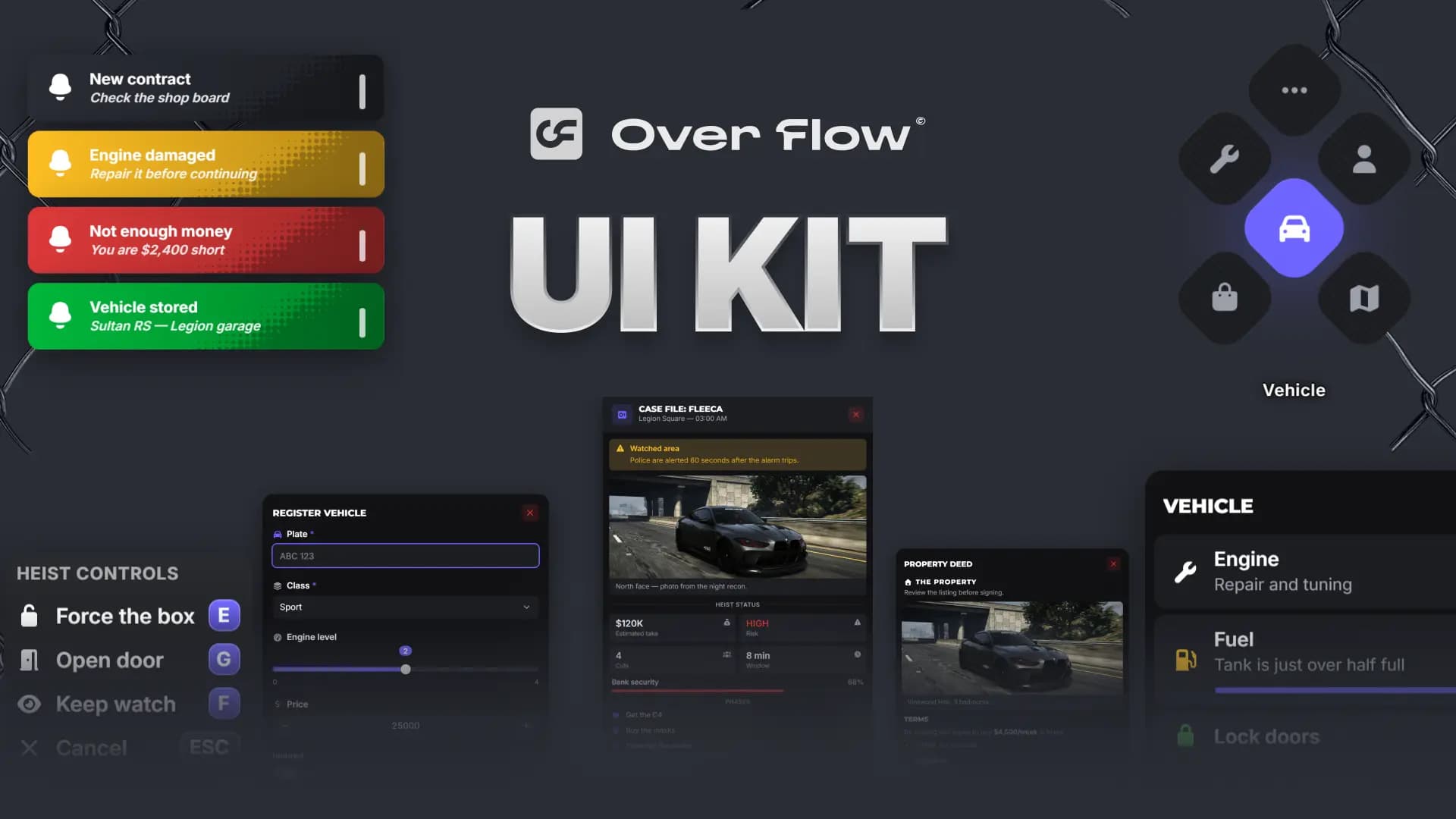
Every menu your players open passes through the same library, so when that library looks dated, your whole server looks dated. This ox_lib redesign swaps the default windows for a single, modern FiveM UI that fits any roleplay server, and it does it without asking you to touch the scripts you already run.
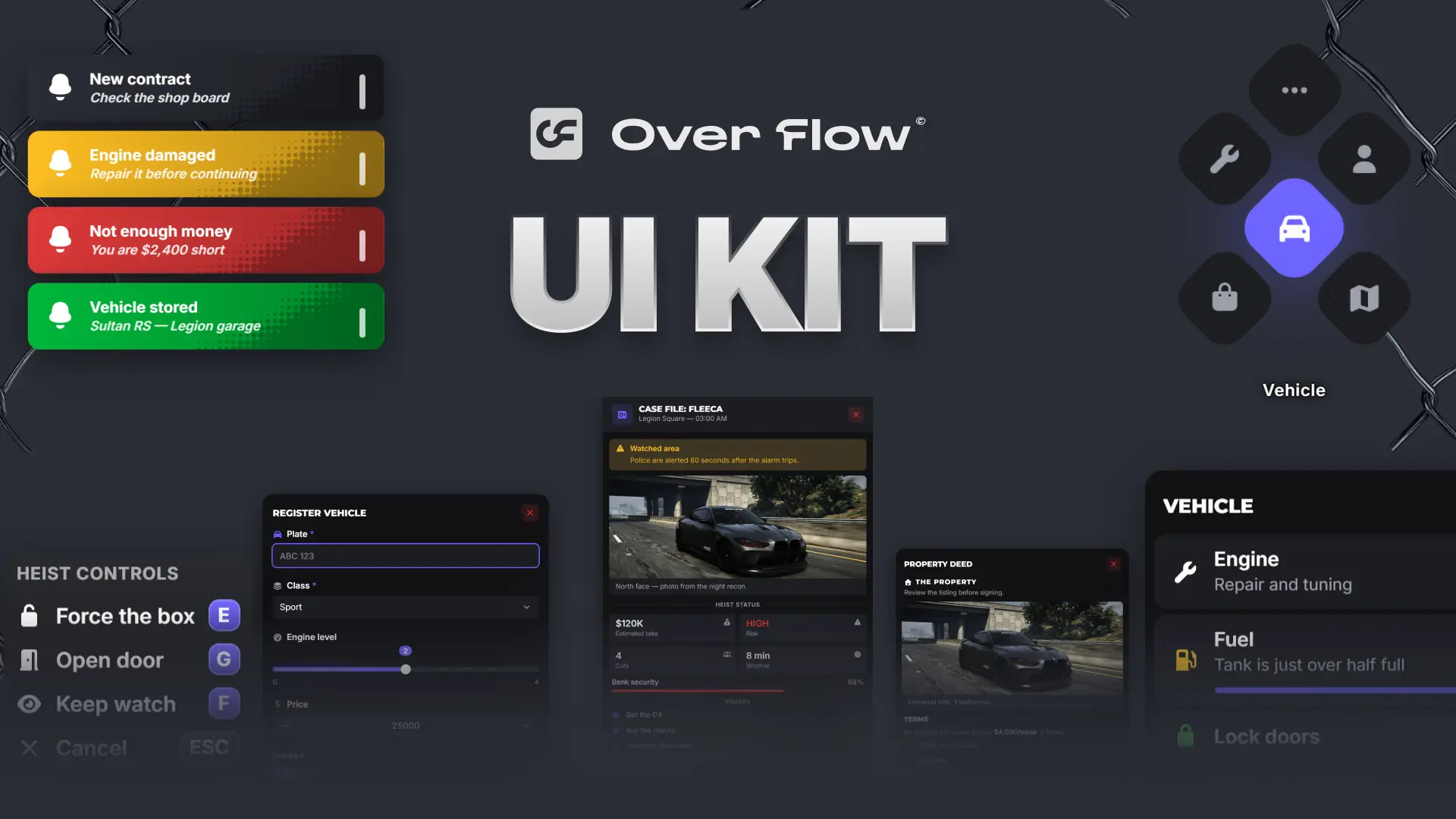
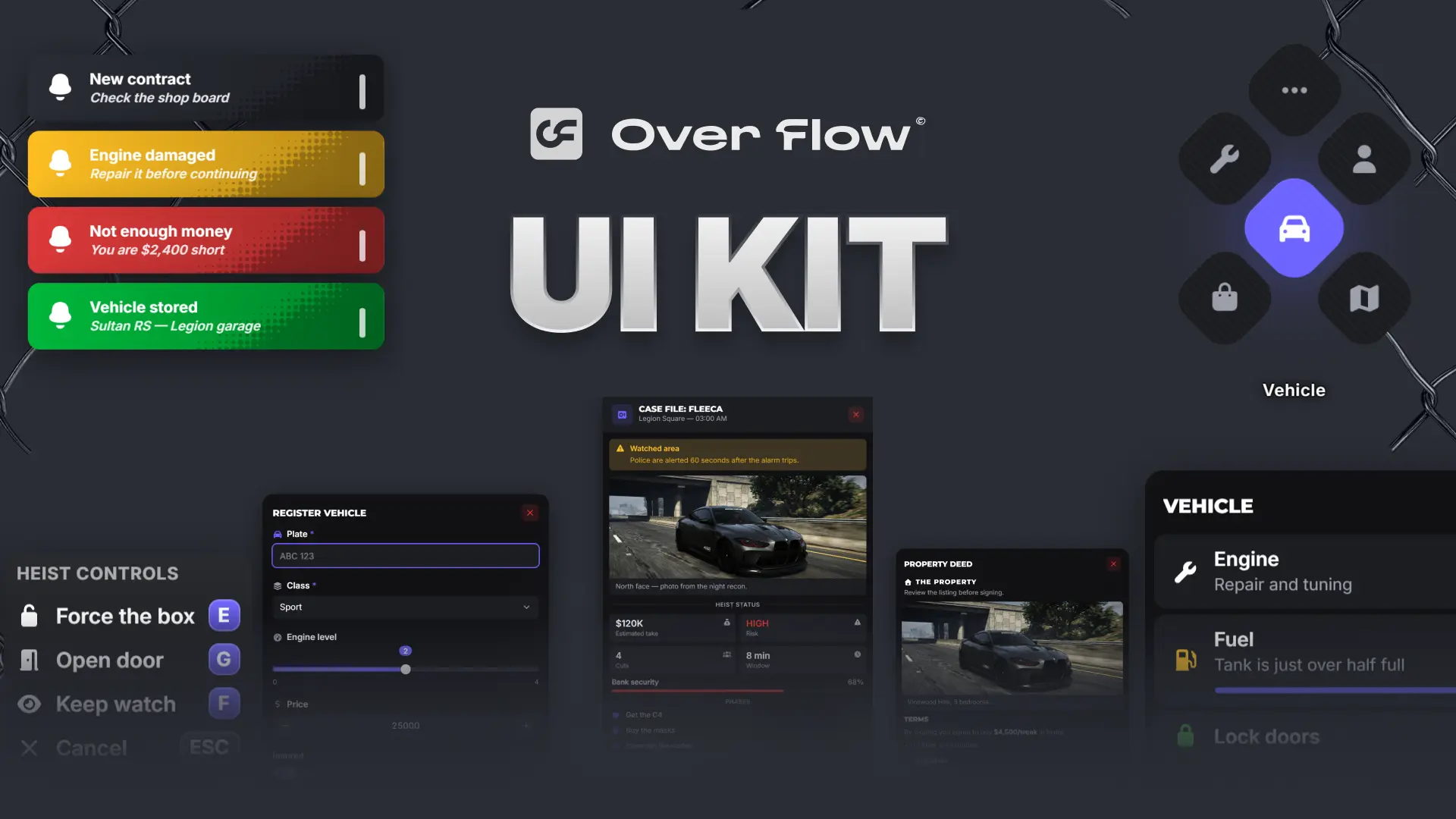
UI Kit
The ox_lib redesign plus a full component set, themed live in game and shared through a single code.
See the UI KitWhy an Ox Lib Redesign?
Most servers are built from resources written by a dozen different people. A garage menu from one developer, a shop from another, a job panel from a third. Each one brings its own colours, its own corners and its own idea of what a button looks like.
Players feel that inconsistency even if they cannot name it. It reads as unfinished.
- Menus that clash with each other and with your branding
- Prompts that are hard to read while driving or shooting
- No single place to change how anything looks
- Every visual tweak means editing someone else's script
The redesign solves this from the other direction: change the layer everything is drawn on, and the entire server updates at once.
Key Features
Modern UI
Dark surfaces, soft blur, clean spacing and readable type. Panels sit where your eyes already are, and nothing fights the game for attention.
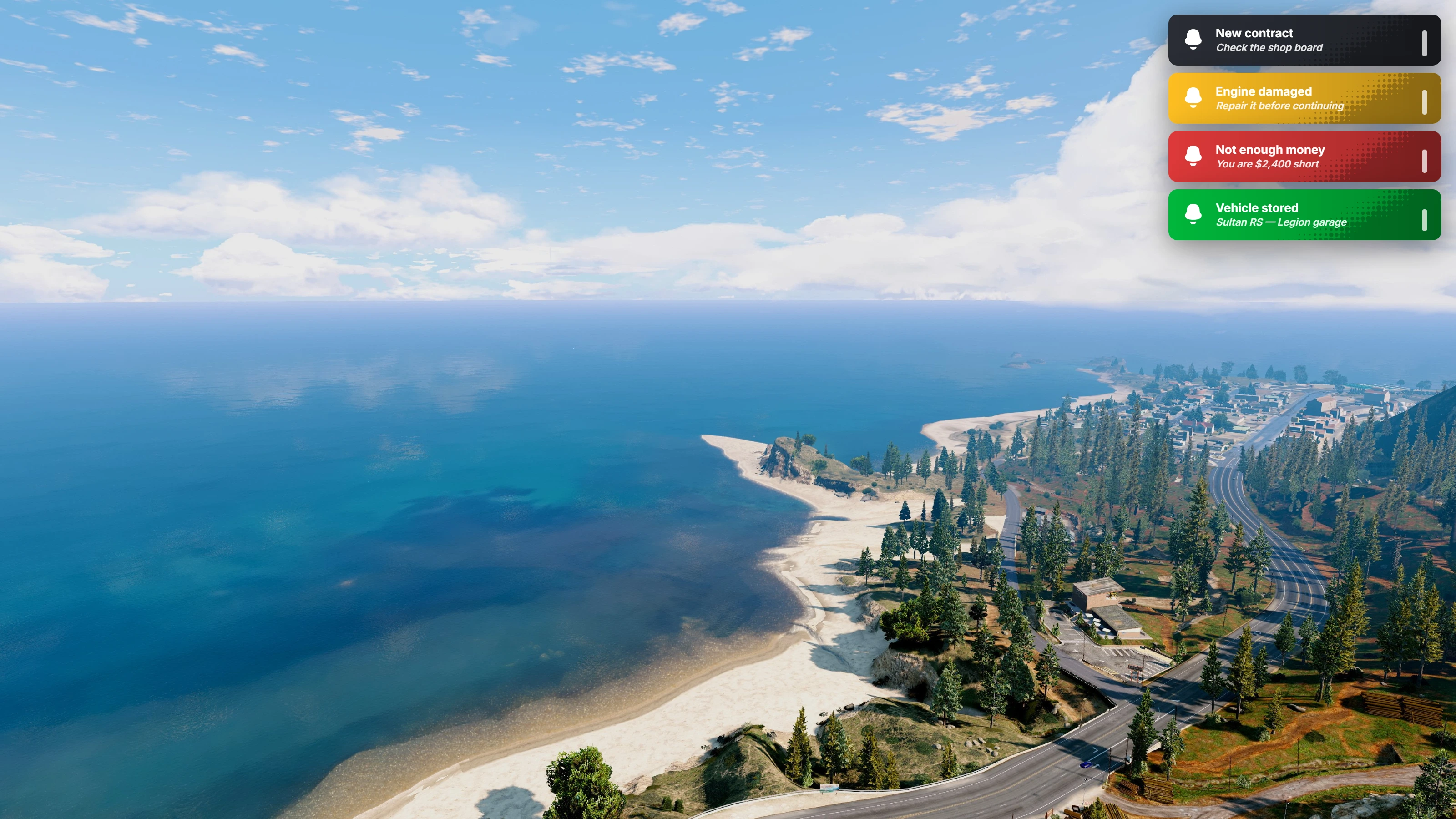
Notifications stack in the corner you choose, colour coded by meaning, with a timer bar so players know how long they have to read.
Better User Experience
Interfaces are not just decoration, they are how players act. Every component is built around one question: how fast can someone understand this and move on?
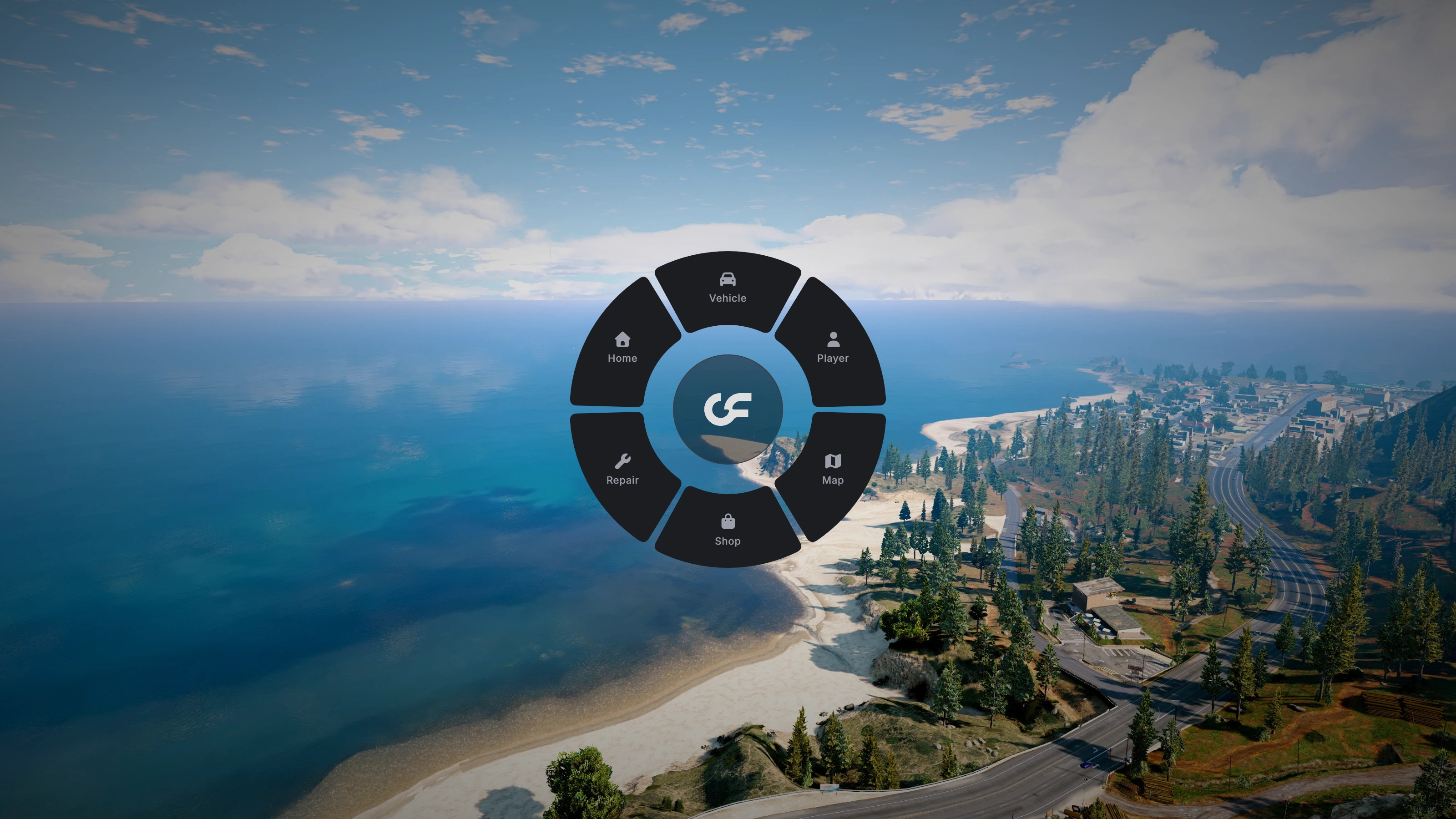
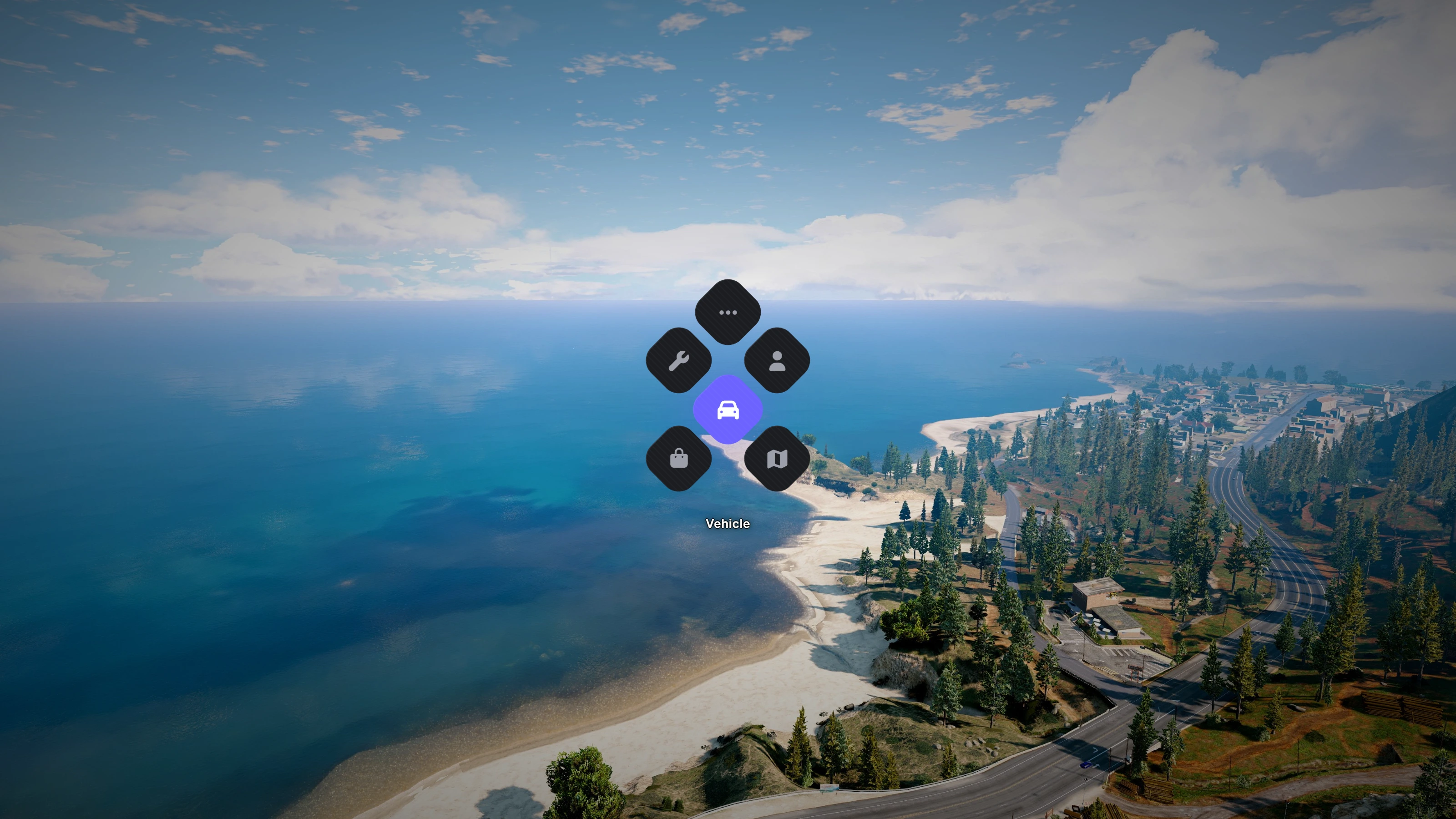
- Two radial styles. A classic wheel or a honeycomb grid, switchable at any time
- Keyboard and mouse. List menus for quick keyboard flow, context menus for pointing and clicking
- Clear feedback. Progress bars, timers and skill checks that read at a glance
- No dead ends. Every panel has an obvious way back or out
Performance Improvements
The interface only exists while it is on screen. Nothing lingers in the background, nothing polls while a player is just driving around. Menus open the moment they are called and disappear completely when closed, which keeps the game feeling responsive even on busy servers.
Customization
This is where the fivem ui kit stops being a skin and starts being a design system. Colours, radius, borders, blur, shadows, motion speed and font scale are all values you control, and every component reads from them.
- Live in-game editor. Open the theme panel, change a value, see it applied instantly
- Shareable theme codes. Export your look as a short code and paste it anywhere
- Presets included. Overflow, Midnight, Blackout and Crimson to start from
- Player theming, on your terms. Let players personalise, lock the tokens that carry your brand, or disable it completely
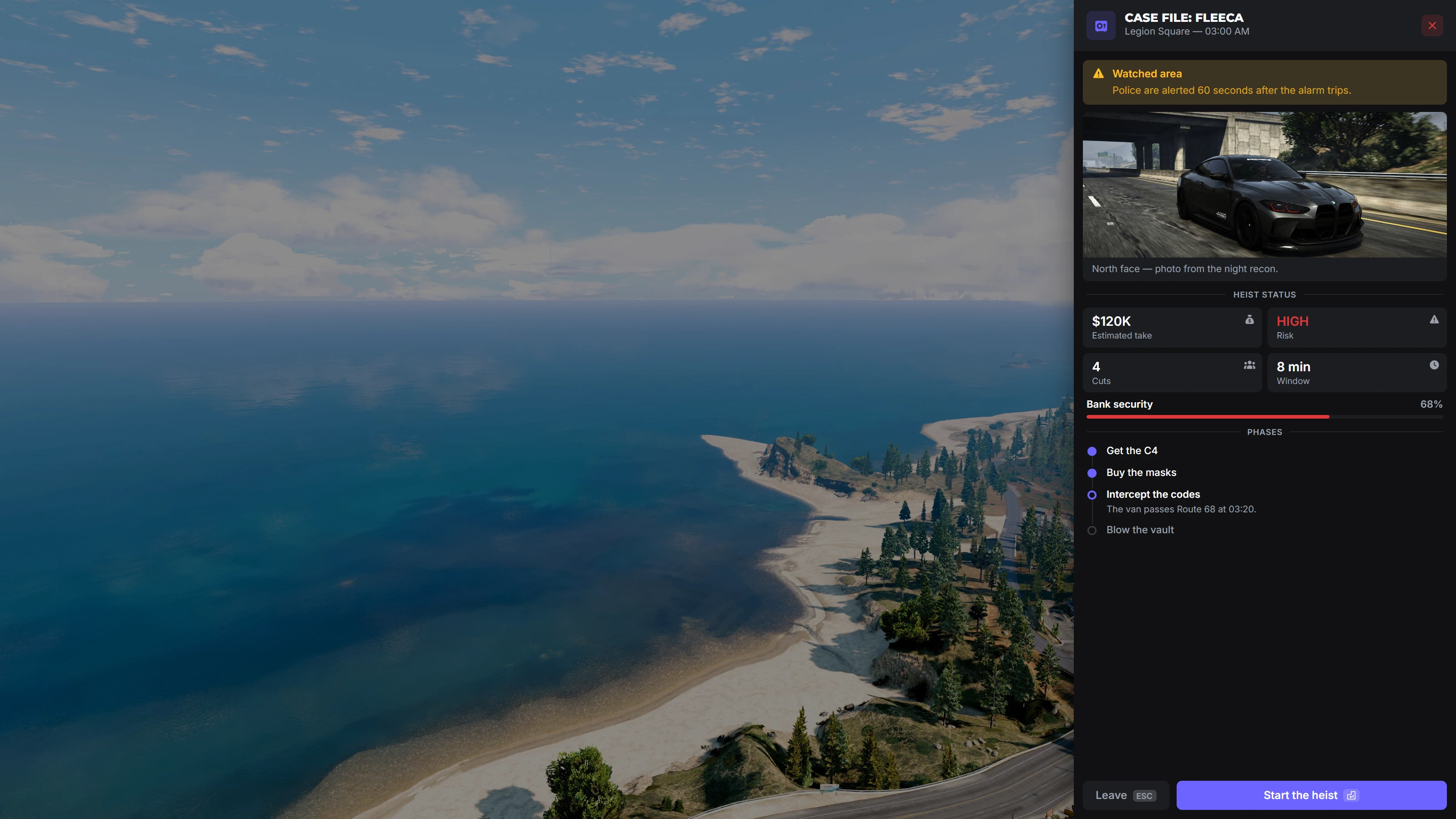
Installation Guide
The whole point is that nothing about your server has to change.
- Drop the resource into your resources folder
- Add one line to your server config so it starts with everything else
- Start it before ox_lib so your existing menus adopt the new look automatically
- Open the theme panel in game and set your colours
That is it. No script edits, no database changes, no rewriting the resources you bought last year. Full setup notes live in the documentation.
Compatibility with QBCore & ESX
The kit does not care which framework you run. It sits on the interface layer, so the logic underneath stays exactly as it is.
- QBCore, ESX and Qbox roleplay servers
- Works standalone for custom scripts that use no framework at all
- Existing ox_lib calls keep working, they just look different
- Your own resources can use the same components, so new scripts match on day one
That last point matters more than it sounds. Once your server has one visual language, everything you add later inherits it for free.
Screenshots
A quick look at what your players actually see.
Context menu, for mouse driven navigation through nested options.
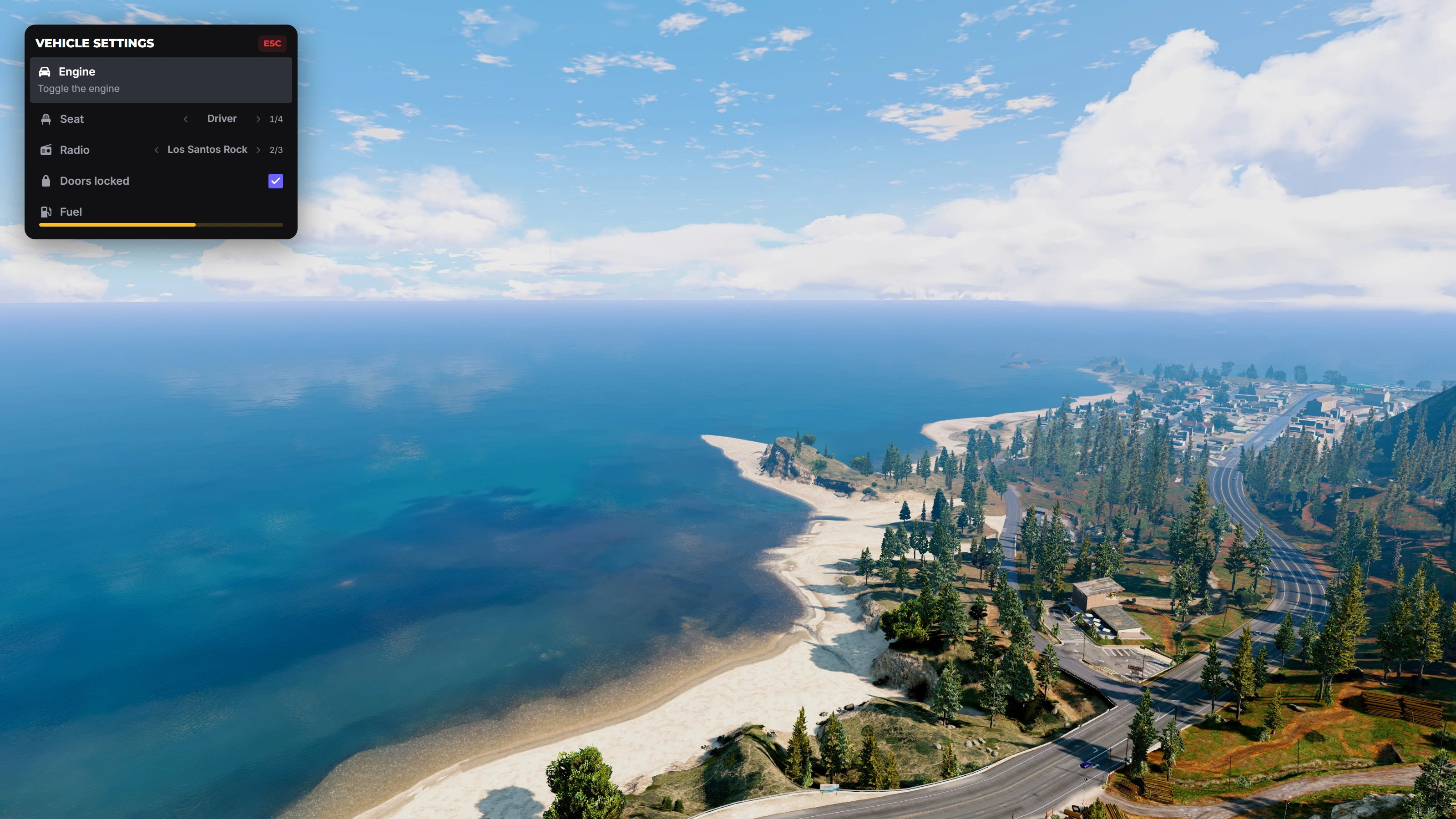
List menu, a keyboard driven side panel for fast, repetitive actions.
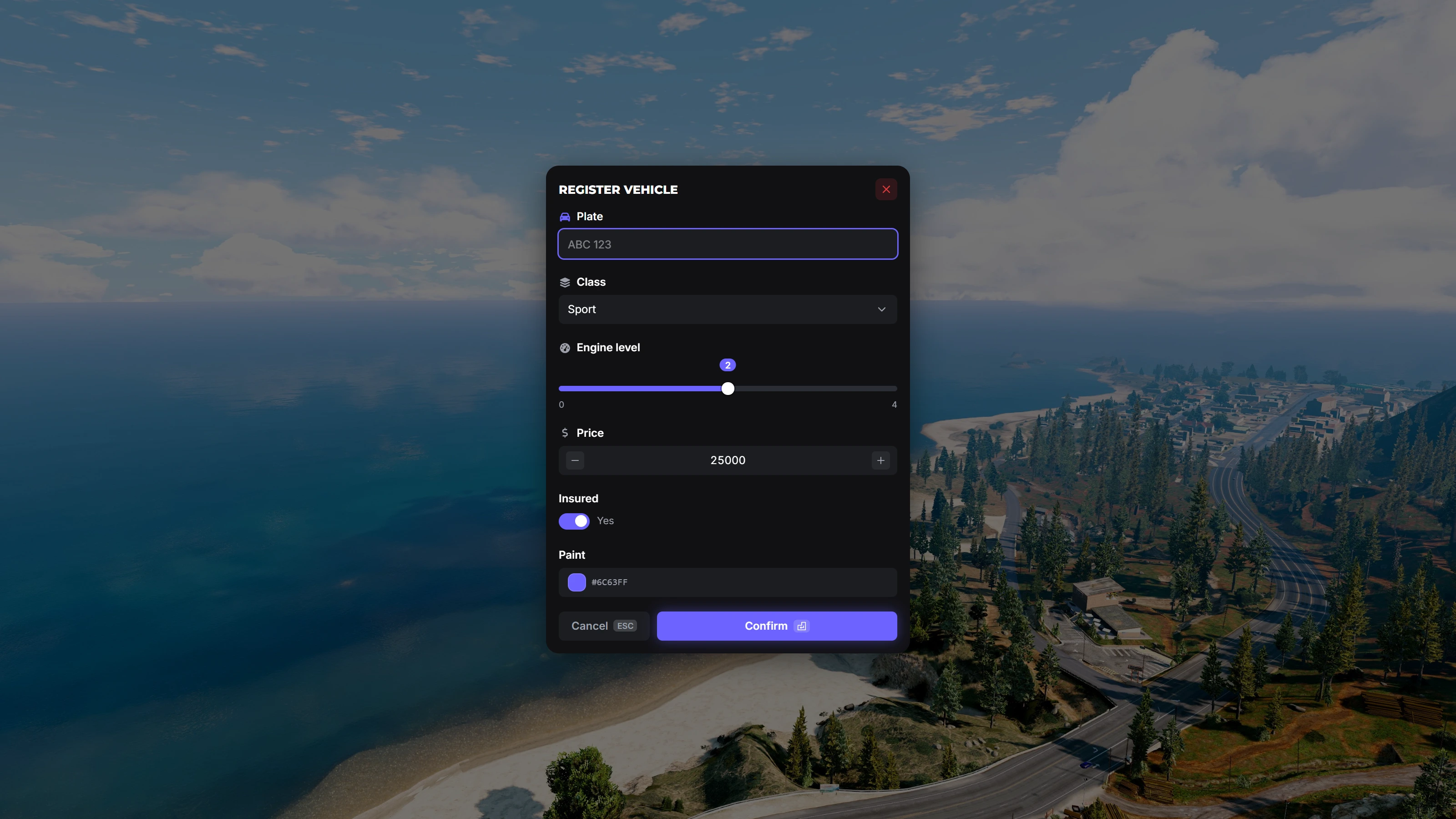
Input forms, with validation, sliders, selects and number fields.
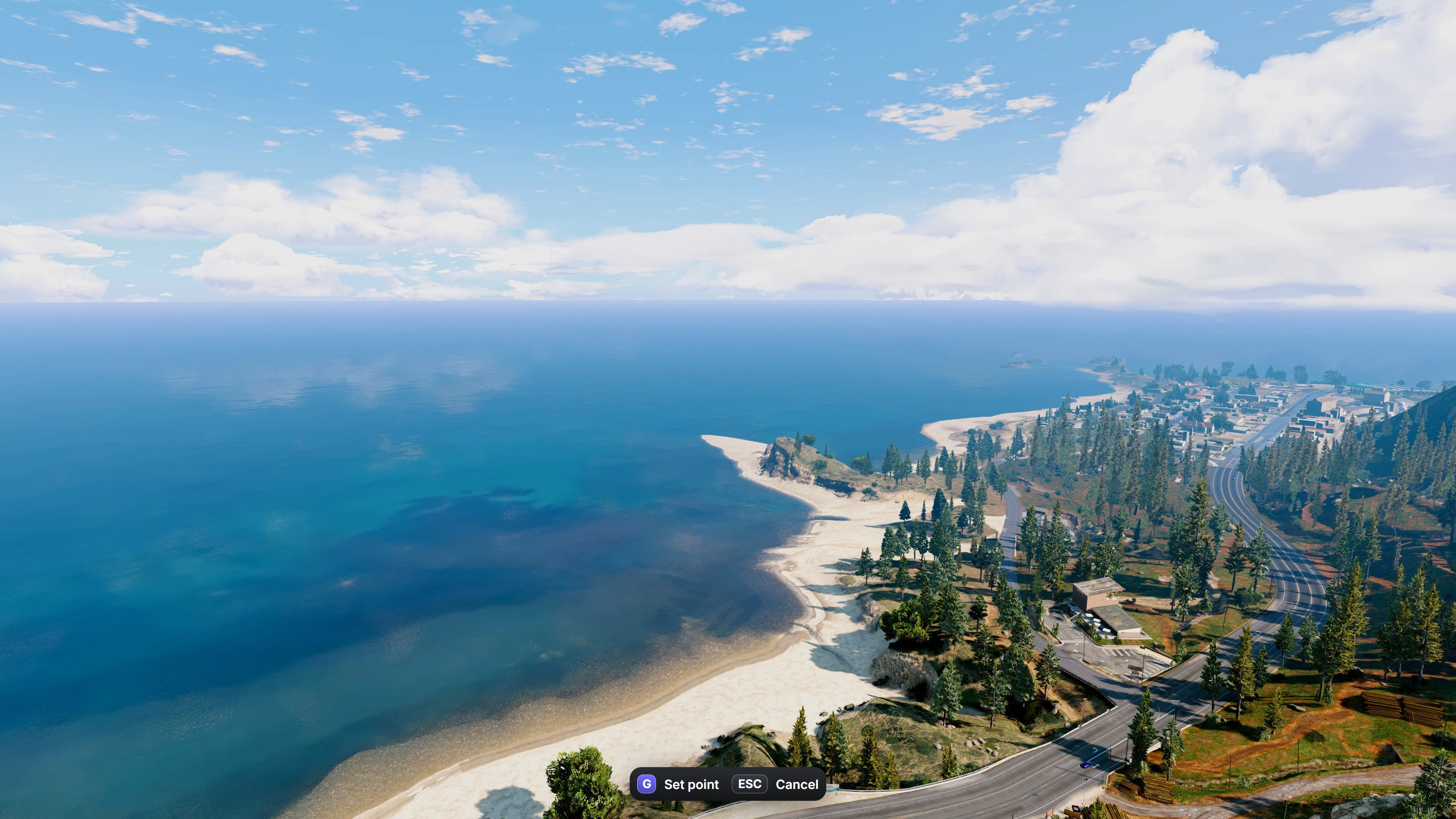
Text prompts, anchored to the screen edge with the keys players need.
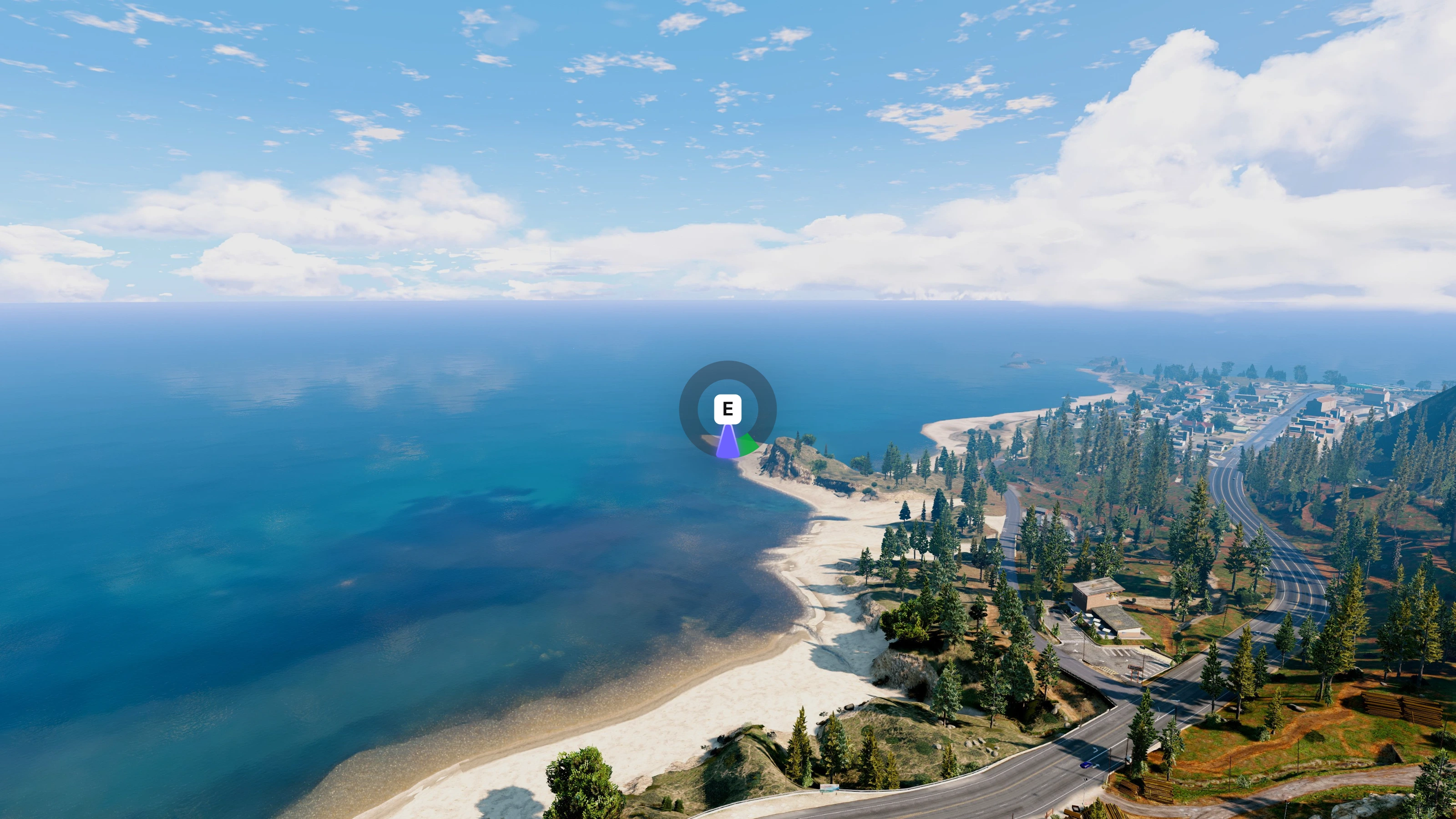
Skill checks, timing minigames that fit the rest of the interface.
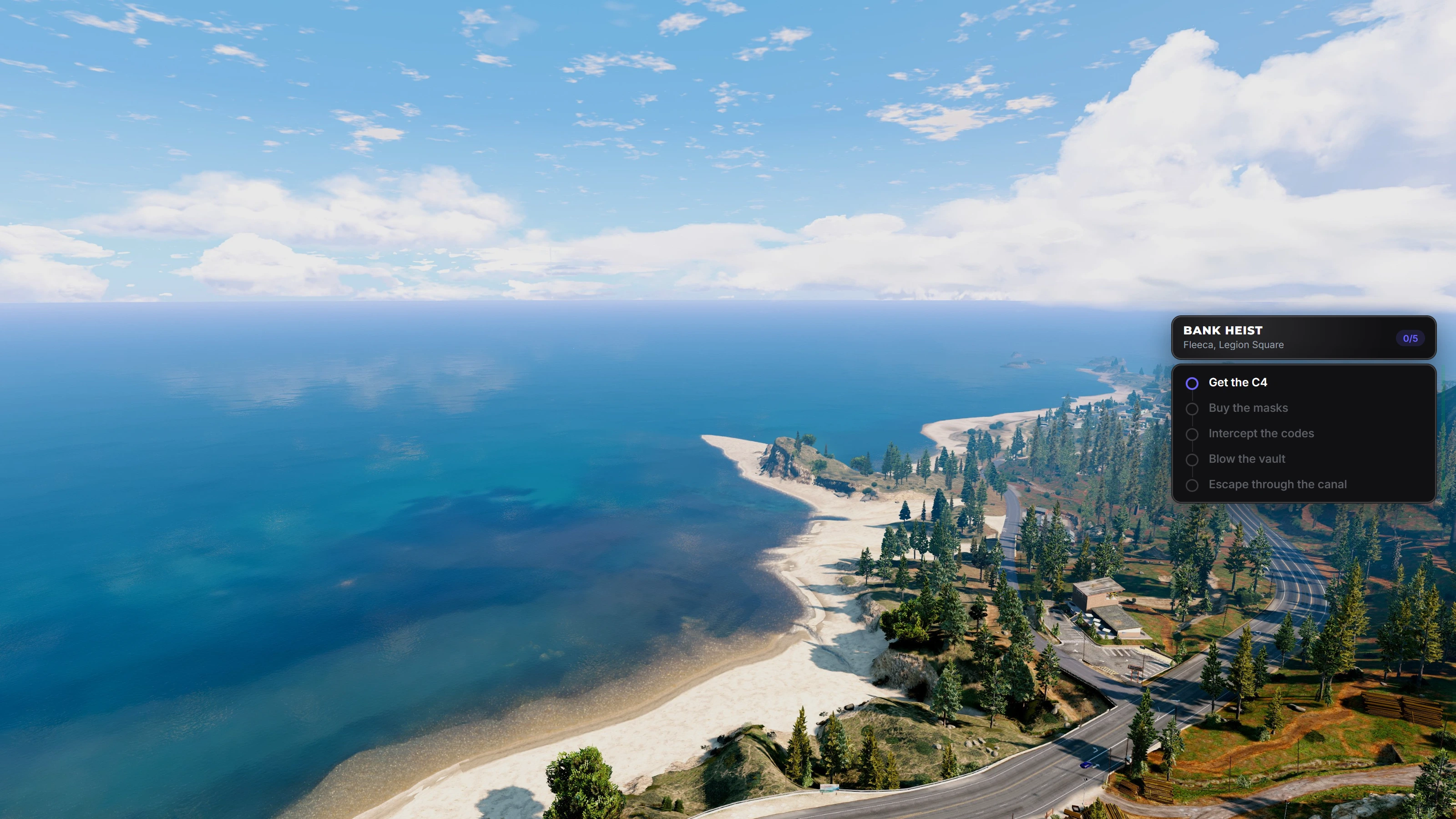
Objectives, a mission timeline that keeps players oriented during long jobs.
Honeycomb radial, the alternative layout for the same menu.
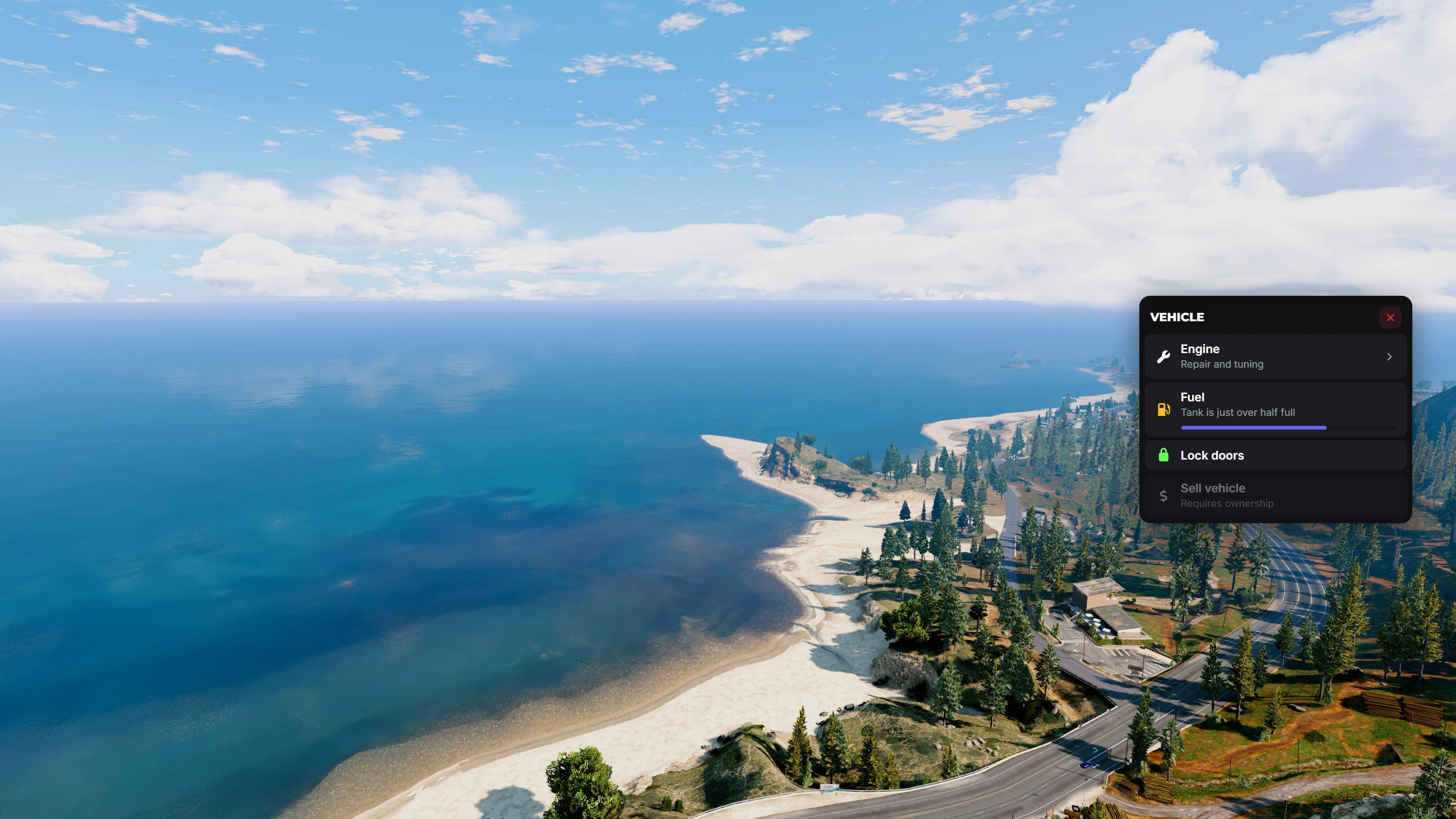
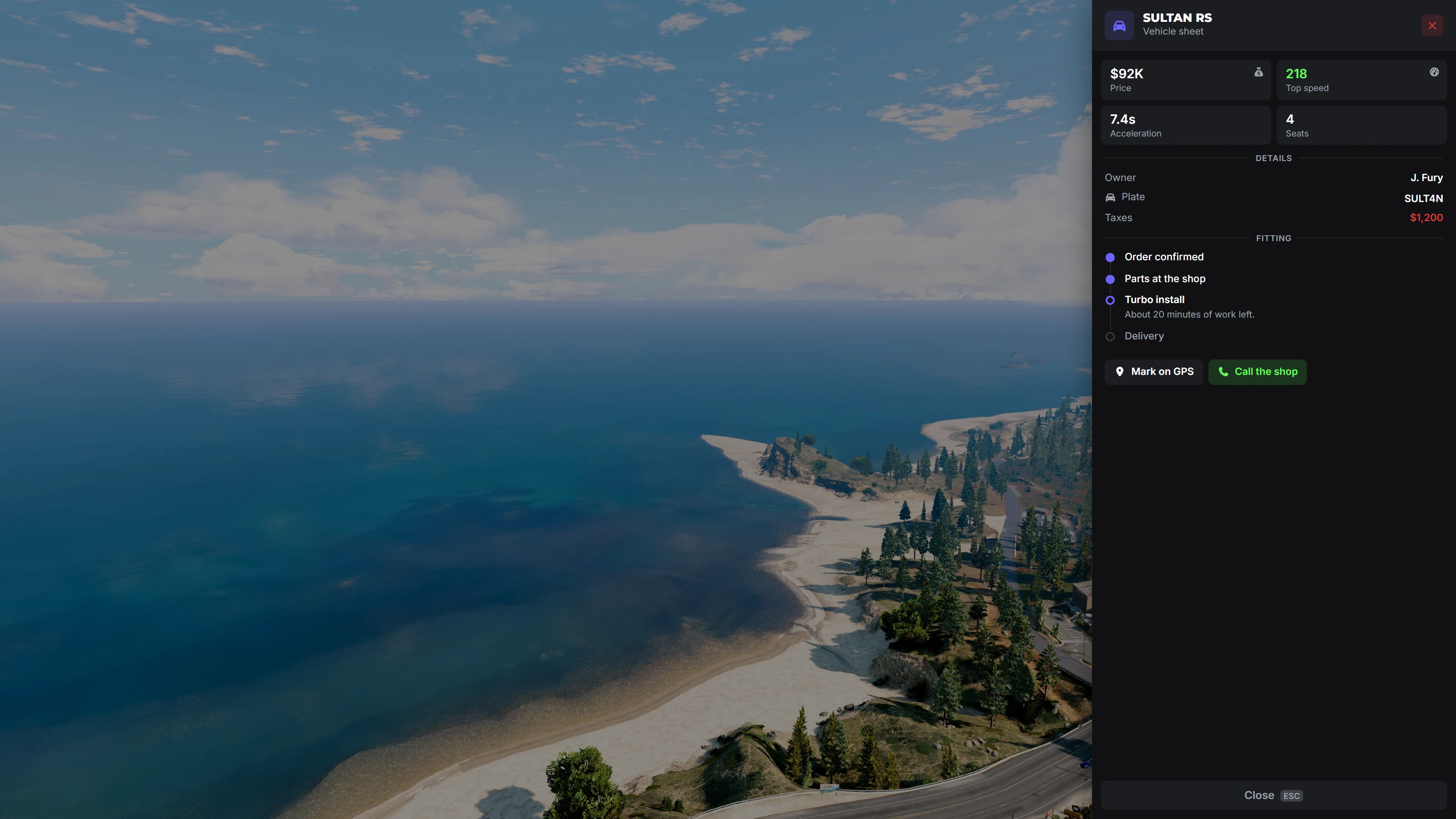
Vehicle panels, an example of what you can build on top of the drawer component.
Frequently Asked Questions
Get the Package
If your server already looks good but feels like ten different servers stitched together, the fix is not another menu script. It is one interface layer underneath all of them.
The ox_lib redesign ships as part of the Overflow UI Kit, ready to drop in and theme in minutes.
UI Kit
Elevate your server's visual identity with OF UI, a premium interface suite engineered for the modern FiveM ecosystem. We do offer a custom ox_lib fork in order to bring a design system that makes every menu on your server look like it belongs together without major code changes.One coherent interface for your whole server. Features live in-game theming, shareable theme codes, dual-style radial menus, and a complete ox_lib redesign so even the scripts you already run instantly match your brand. Compatible with QBCore, ESX & QBox.NOTE: Preview screenshots are meant to show what you can accomplish with our UI Library. They are not provided within the script.
Get the Ox Lib RedesignWant to see what else fits alongside it? Browse the full script catalog, read the documentation, or pair it with the Ox Inventory Redesign and the Overflow HUD for a server that matches end to end.
Read more
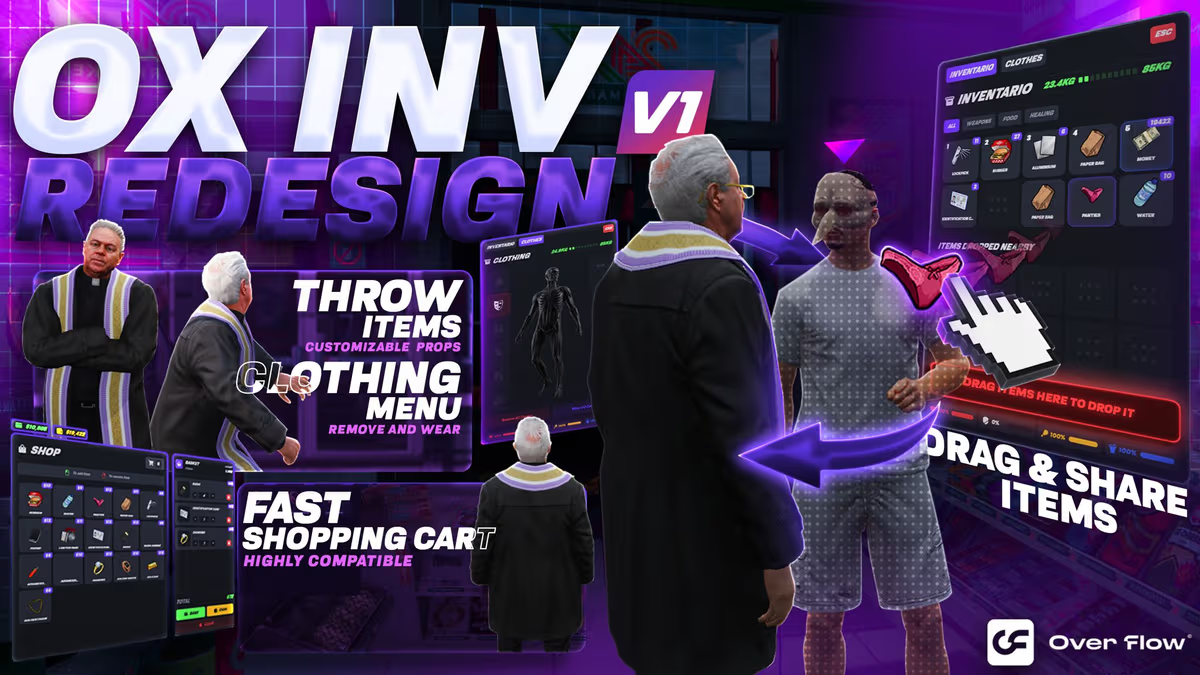
Ox Inventory Redesign: The Best Custom UI for FiveM Roleplay
Why the Ox Inventory Redesign by Overflow5m is changing the meta — integrated clothing, physics-based throwing, item rarity tiers and a built-in image creator.
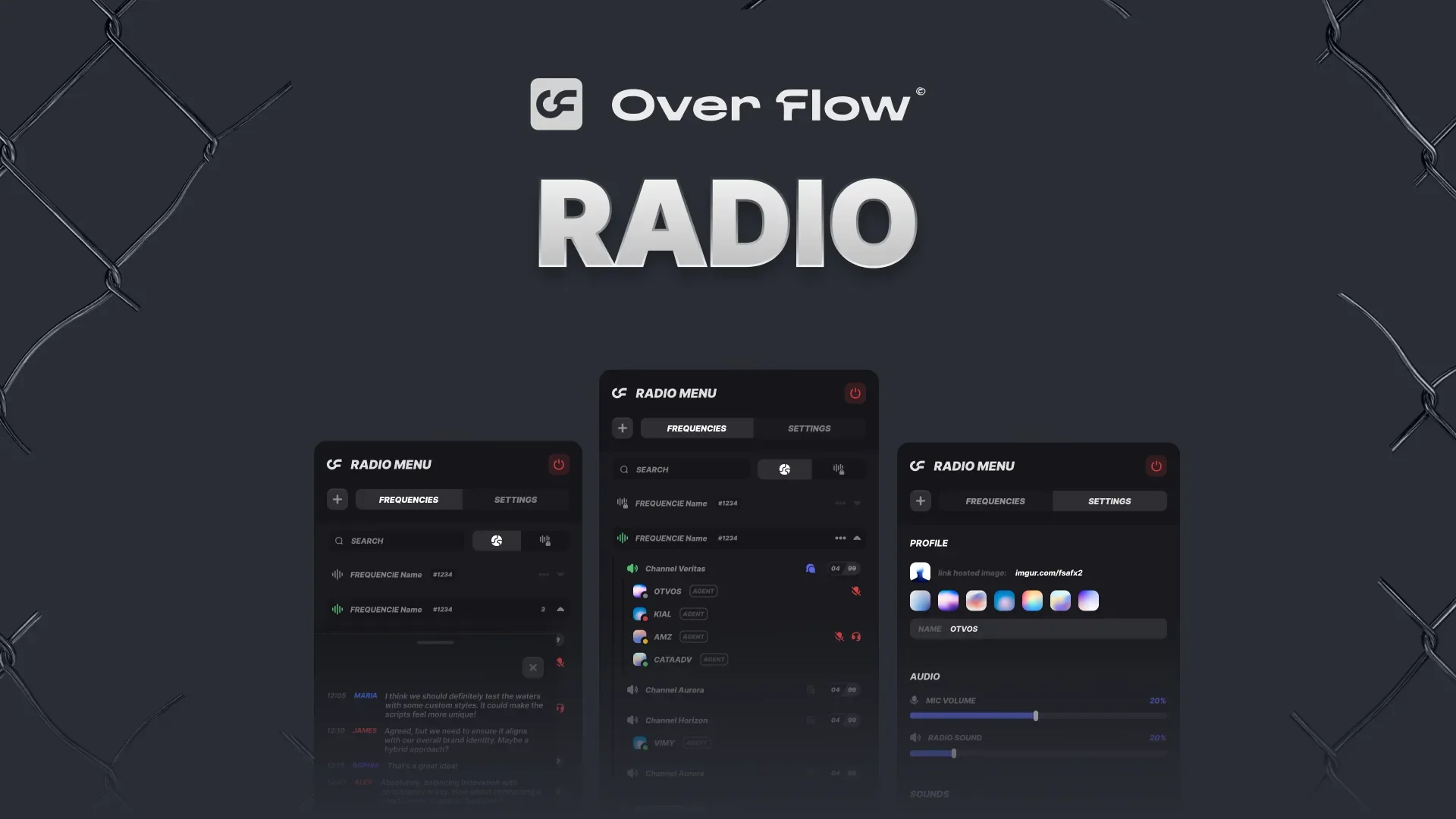
FiveM Radio Script - Voice Radio System for QBCore & ESX
A premium FiveM radio script with job channels, private frequencies and signal jammers. Full pma-voice integration for QBCore, ESX and Qbox servers.